AssisDent compiles easy-to-use reports from information stored in the software. You can preview and print reports in the Reports view.
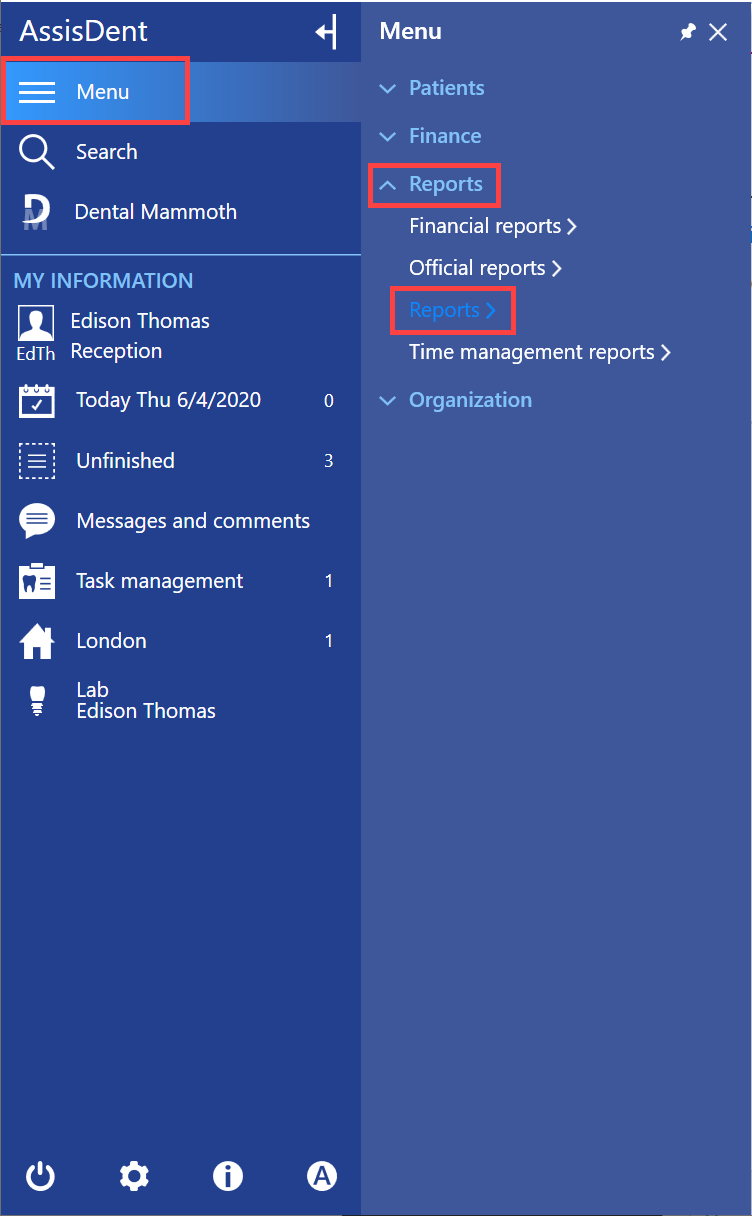
You can access reports from the control panel by selecting Menu → Reports → Reports.
You can search for different types of reports in the Reports view by entering search terms.
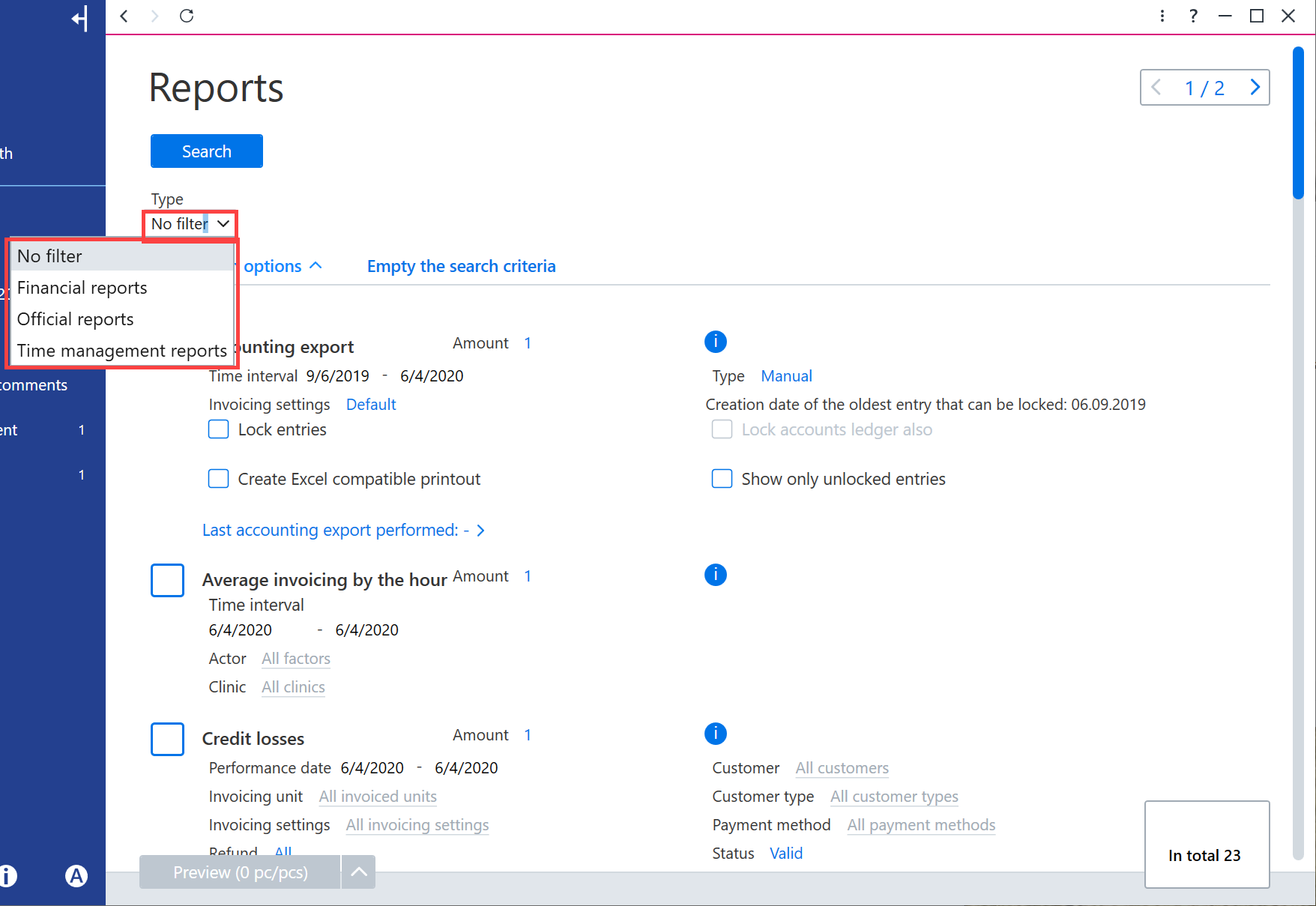
Information contained in the report can be filtered and grouped with filters. Filters vary between report types.

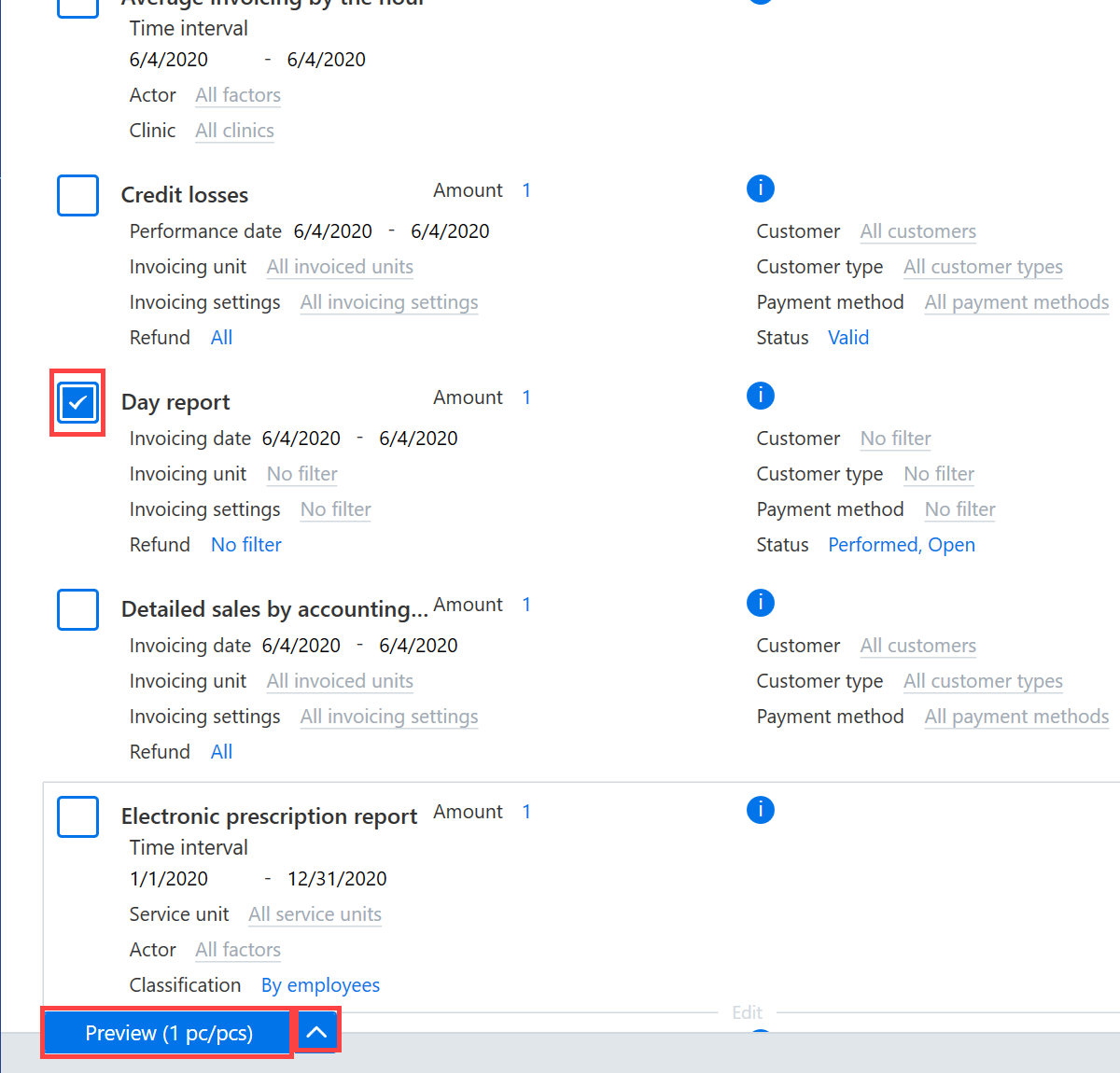
You can print reports by selecting the necessary reports first. Then, click Print preview on the bottom. You can also simply preview or export the data in CSV format by selecting the function with the arrow located on the button.