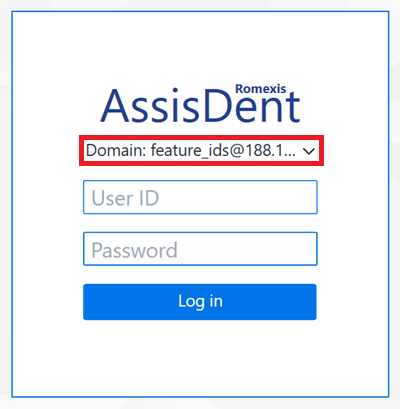
AssisDent can be opened via the shortcut added to the desktop during installation.
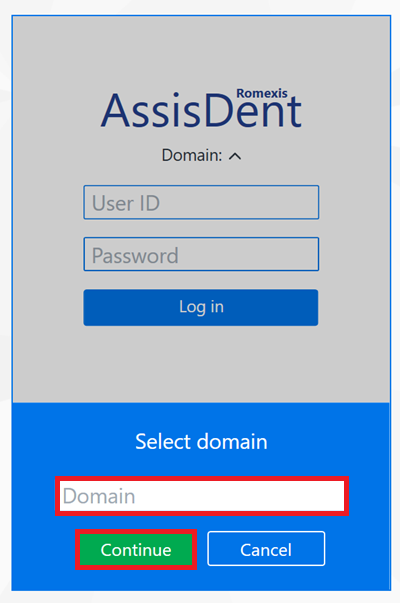
Clicking this shortcut opens the AssisDent Login window. In the login window, enter the domain and click Continue. The domain is the name of the AssisDent instance that was delivered to your company when you acquired the software.
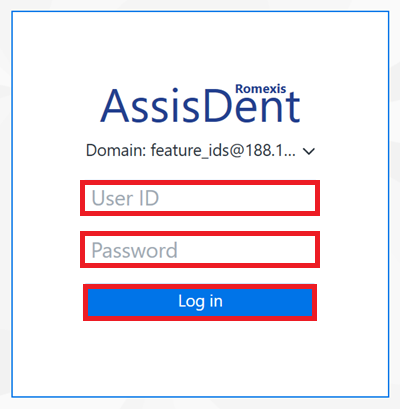
Next, enter your username and password in the login window.
- Enter your personal username in the User ID field
- Enter your personal password in the Password field
- Click Save to finish
If the domain is incorrect, click on the current domain in order to edit it.