You can adjust your personal printing settings by selecting My AssisDent in the control panel. Please note: The settings do not affect the printing amounts of Kela forms.
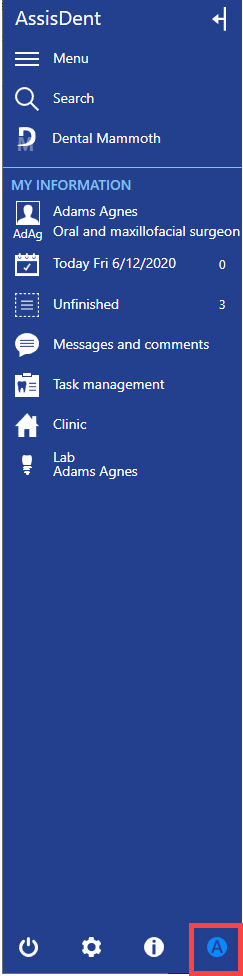
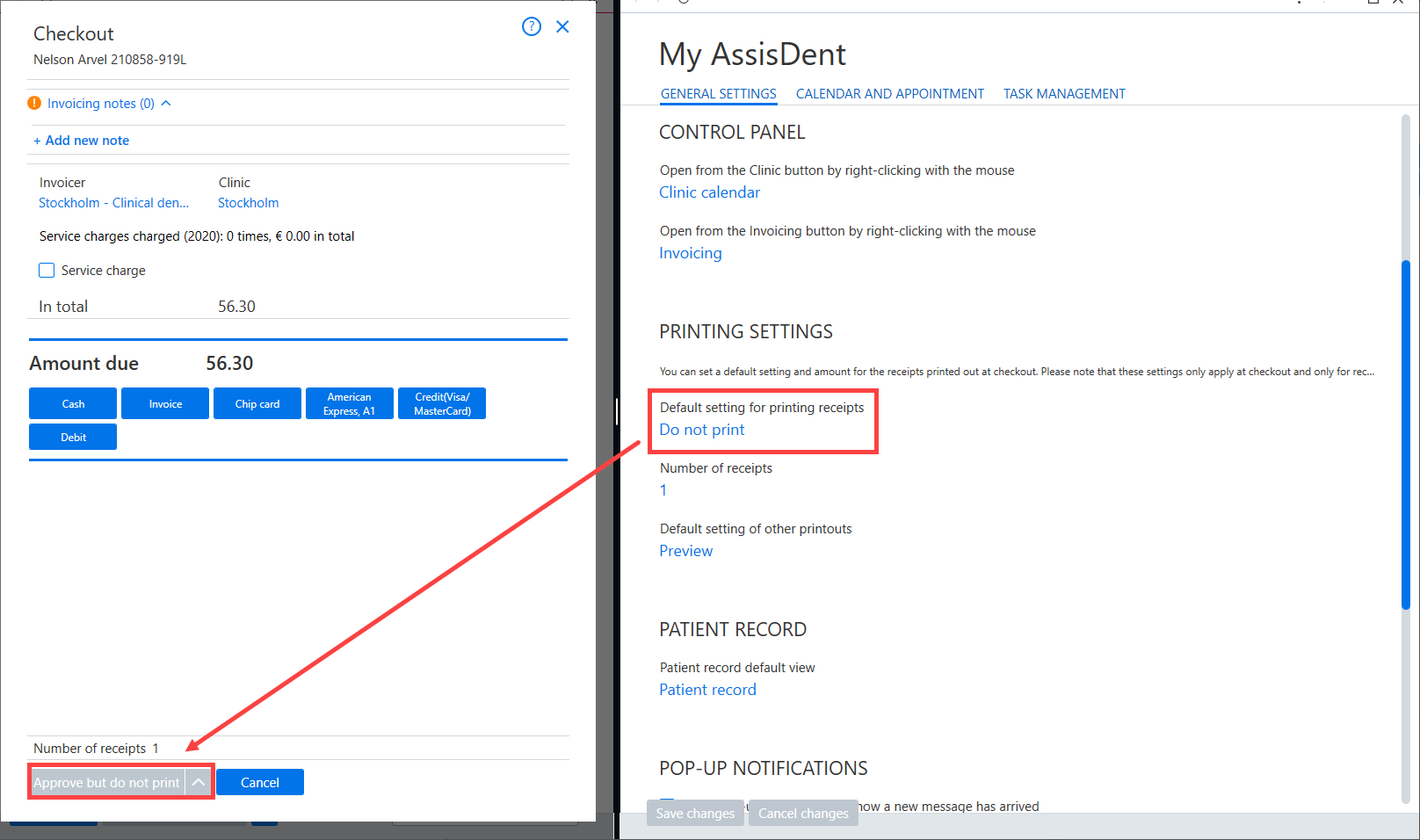
Printing settings on the General settings tab contains default printing settings. The Default settings for printing receipts setting allows you to select whether receipts displayed at the checkout are printed by default or whether the information is previewed before printing. Other available default settings include exporting receipts in PDF or CSV format. You can enter the default number of copies in the Number of receipts field. The default amount is 1.
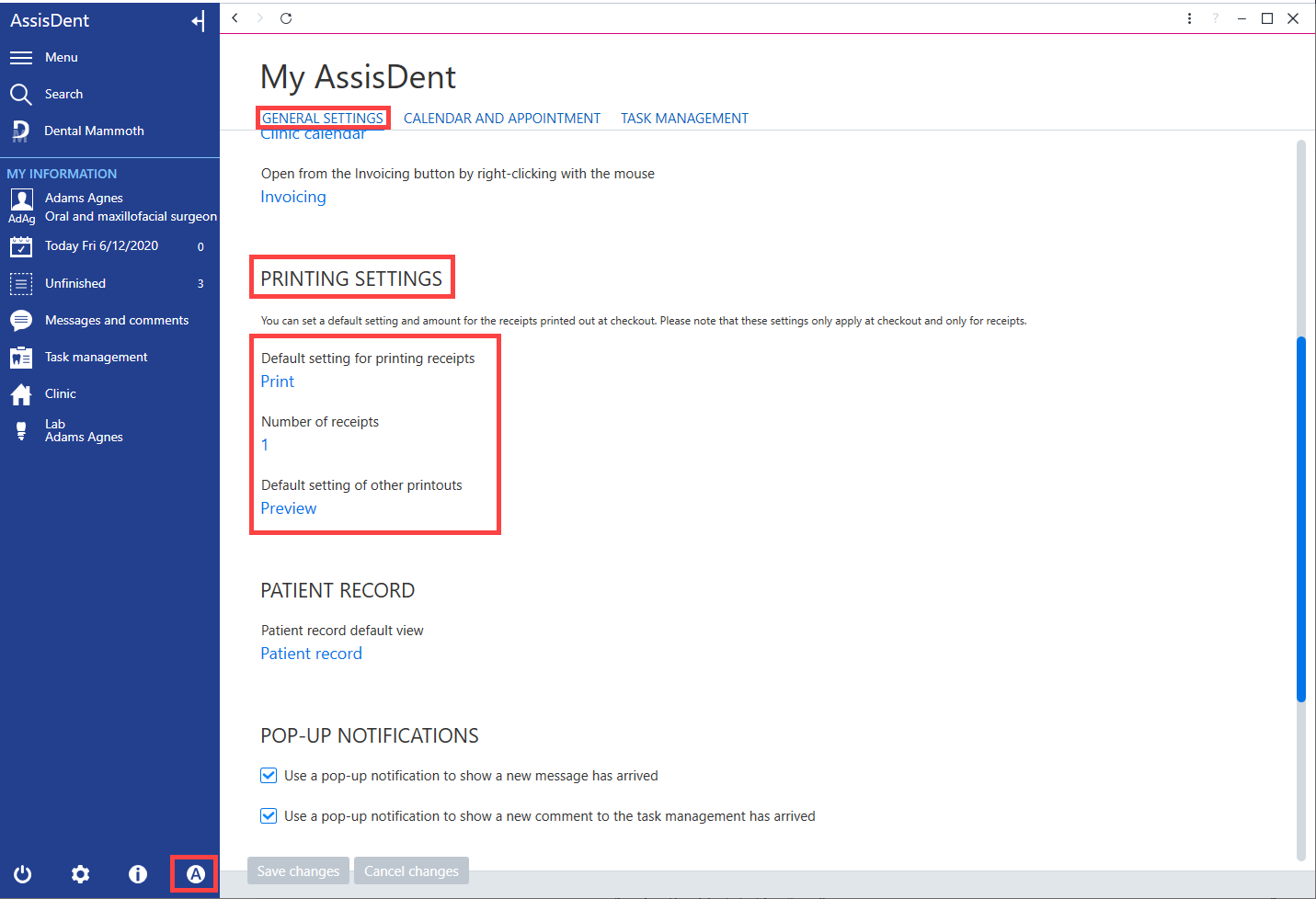
You can set the default format for material other than receipts in the Default setting of other printouts field. (This setting applies to documents contained in the patient record, including referrals, forms, certificates, etc.)
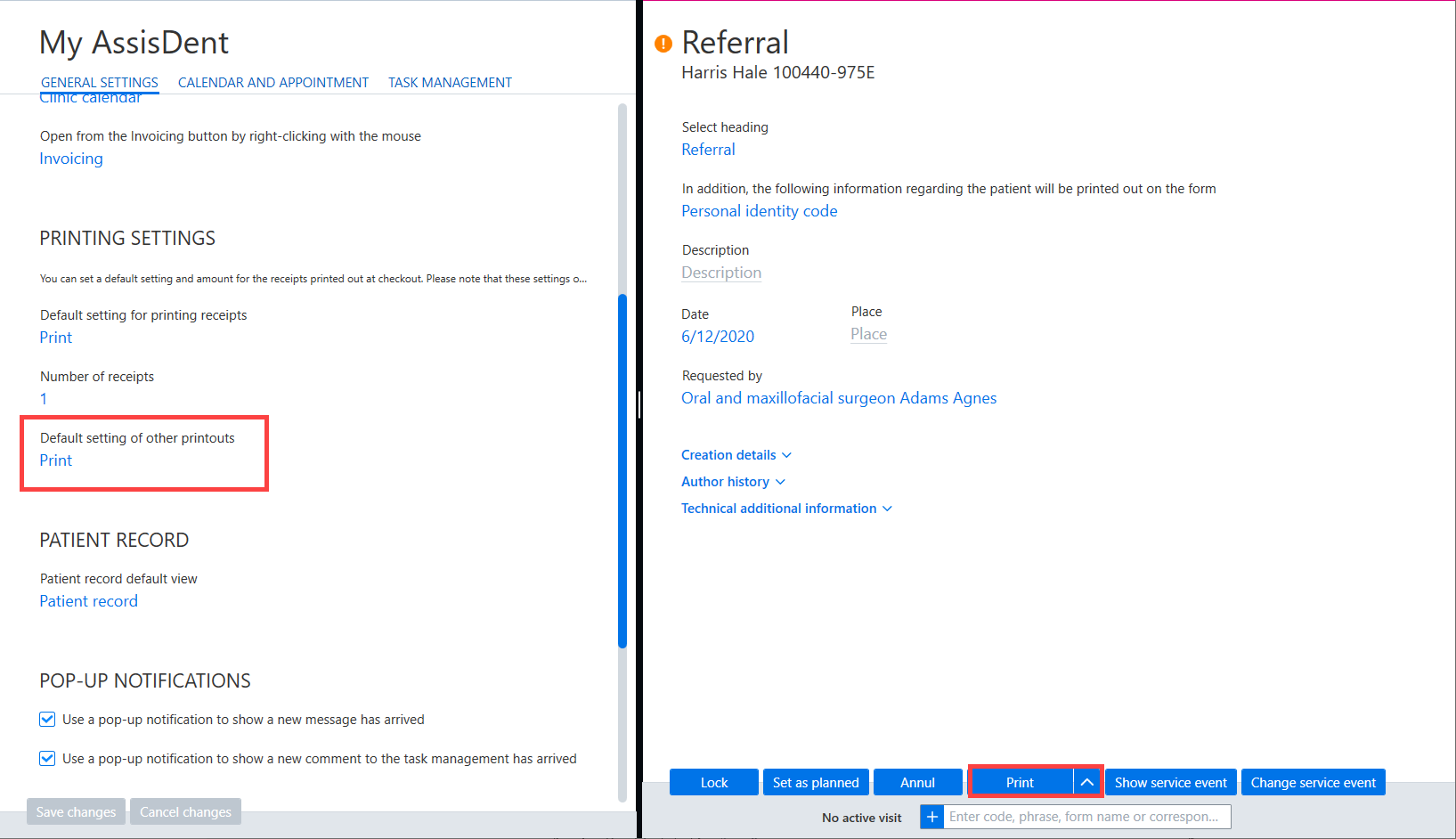
You can set the default format for material other than receipts in the Default setting for printing receipts field.
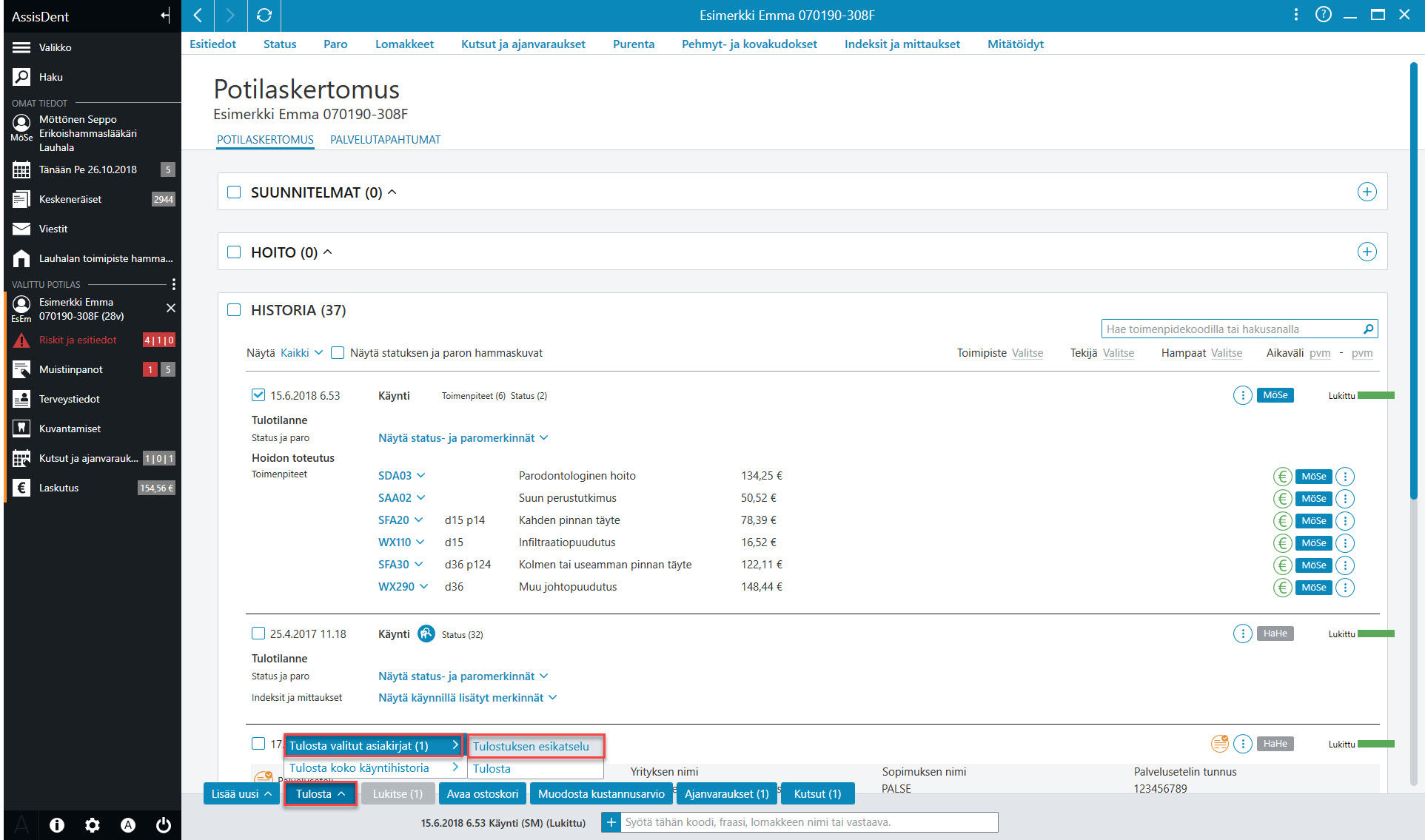
You can print patient records by selecting Print. Print preview opens a preview of the file in a PDF reader.
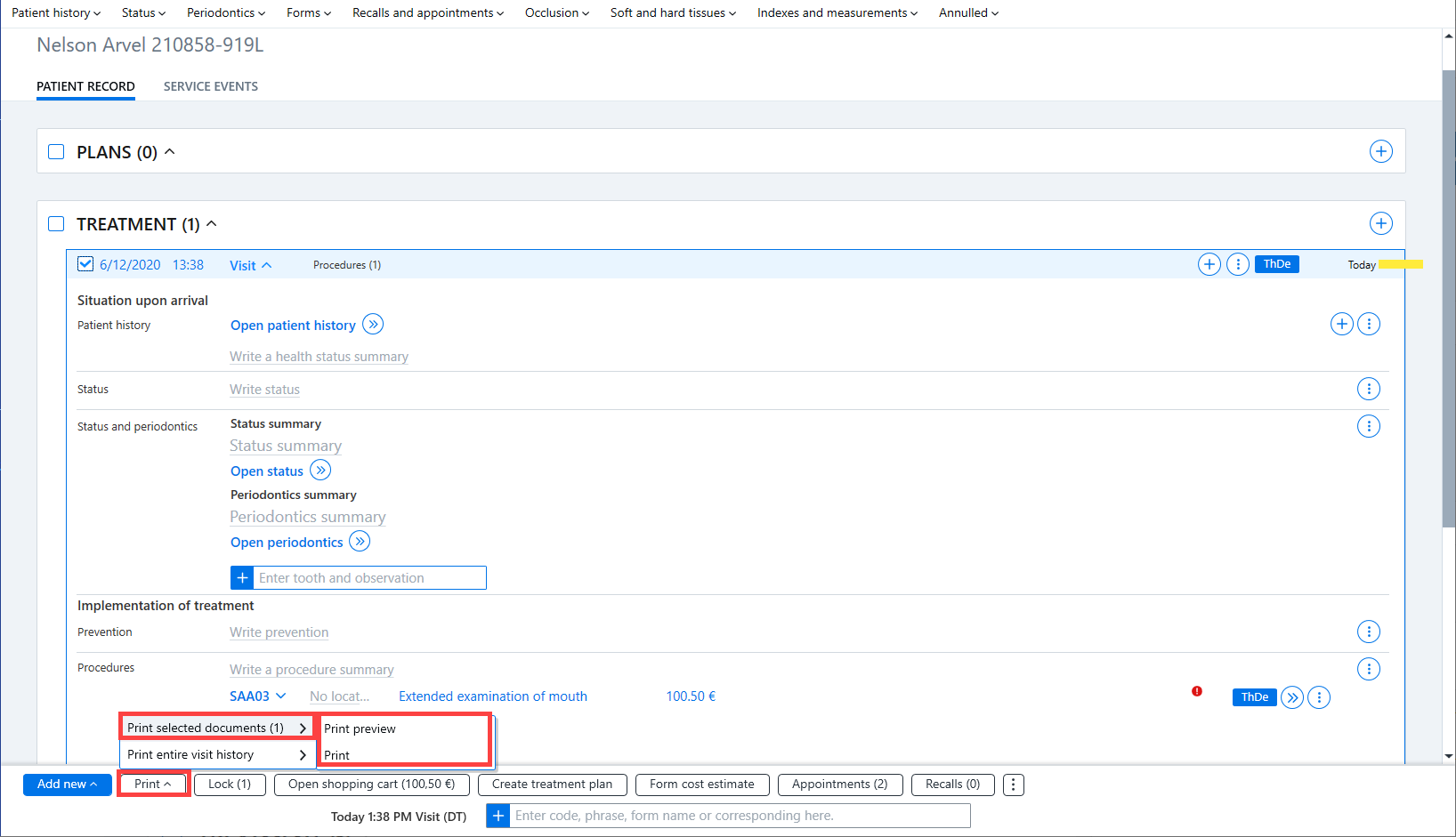
You can print the document by selecting Print → Print.
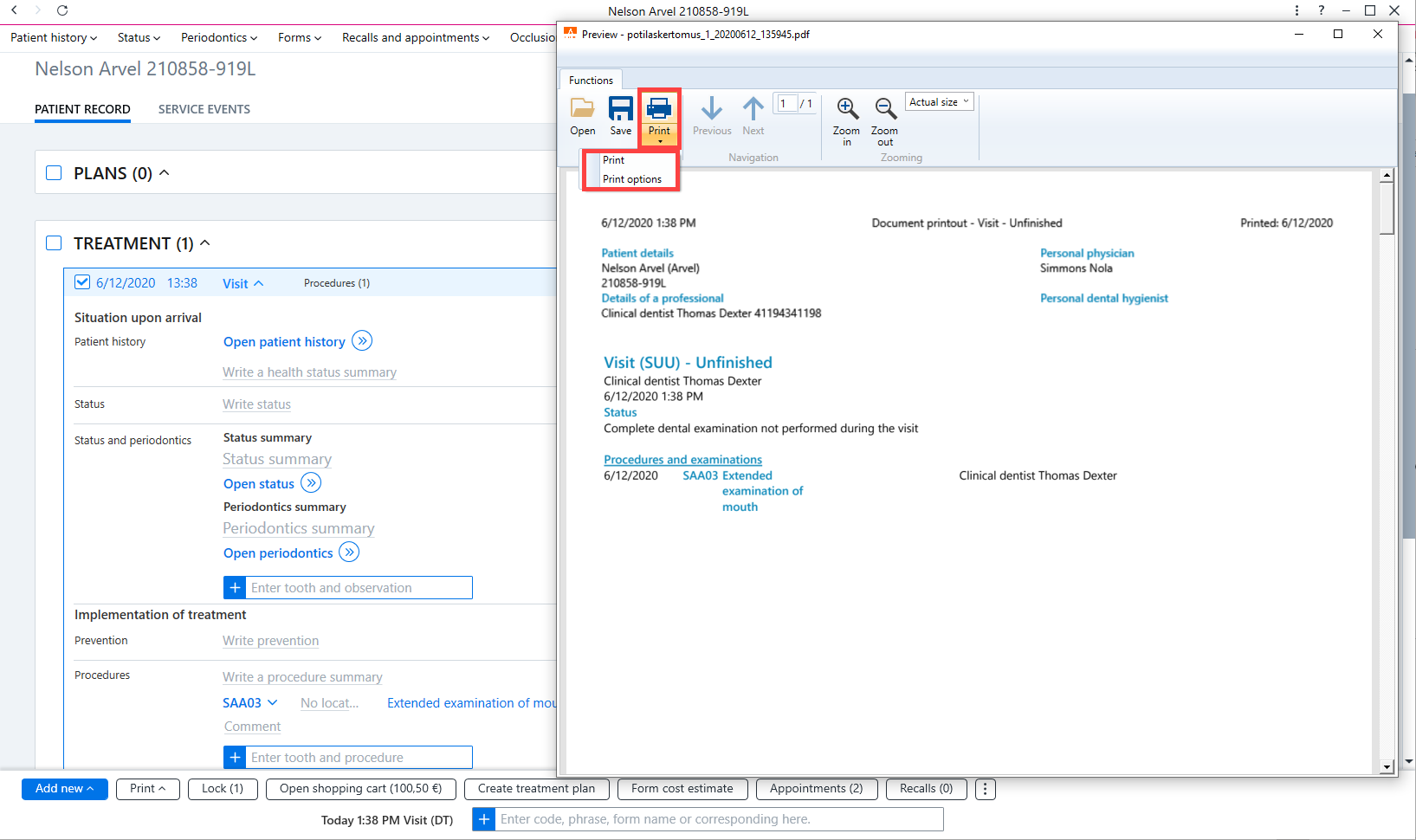
If necessary, you can change the printer by selecting Print options.
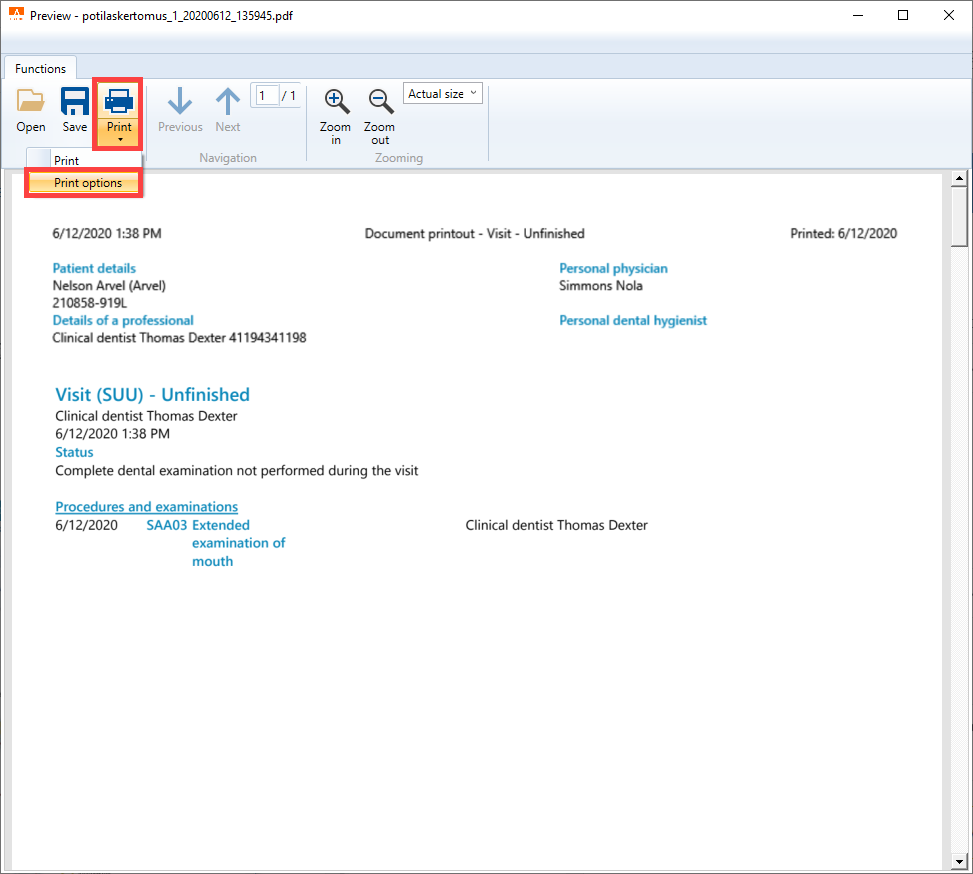
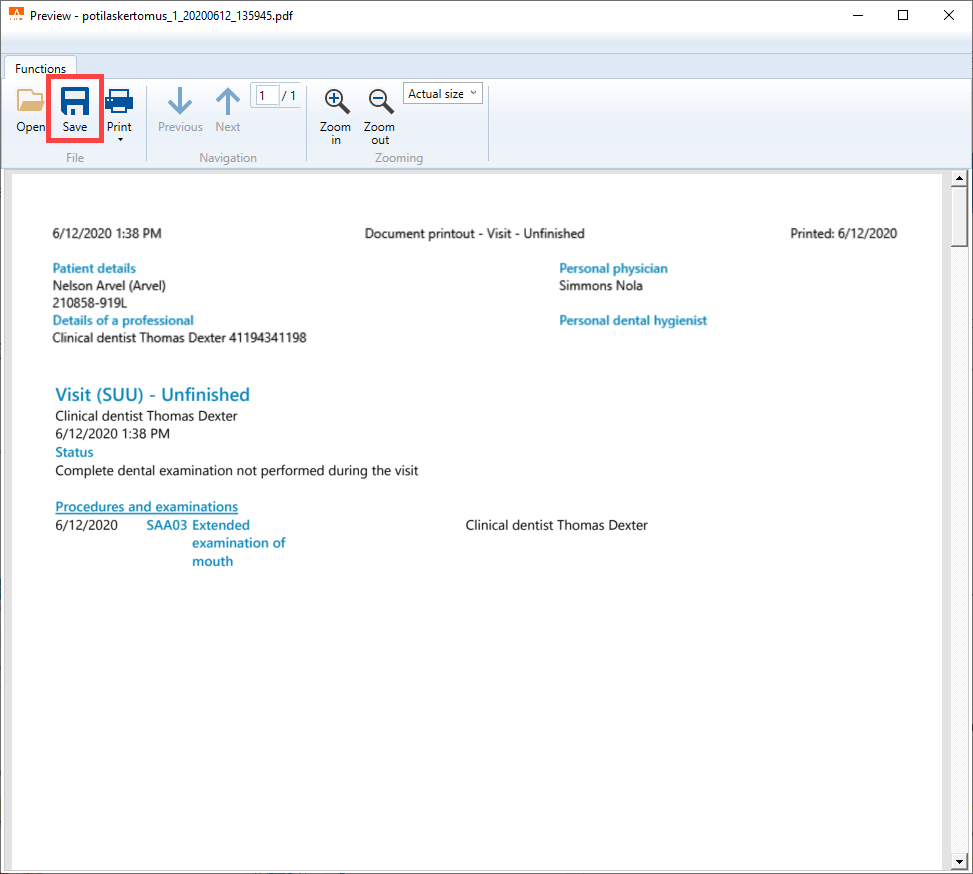
You can save the document on the computer by selecting Save.