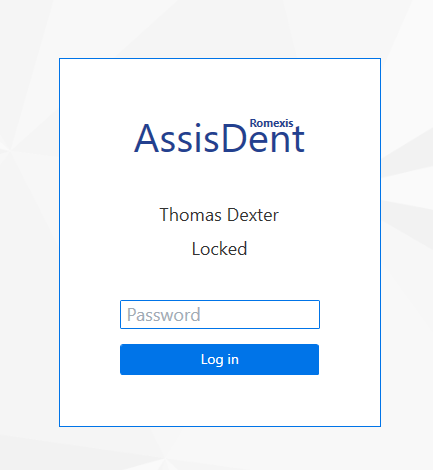
The software is automatically locked after it has been idle for a while. When the software lock is activated, you must enter your AssisDent password or log in with your smart card in order to access the software.
Adjusting the lockout time
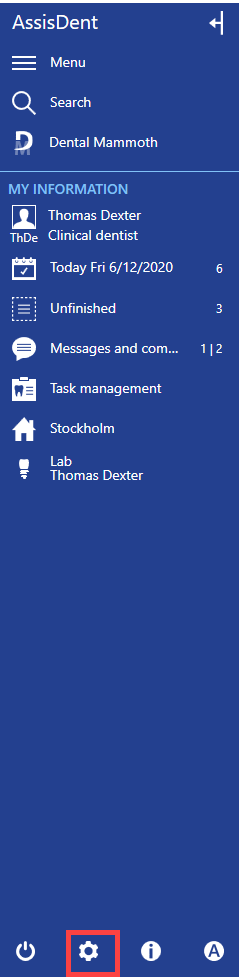
The administrator can edit the lockout time in system settings. Open the settings from the control panel by selecting System settings.
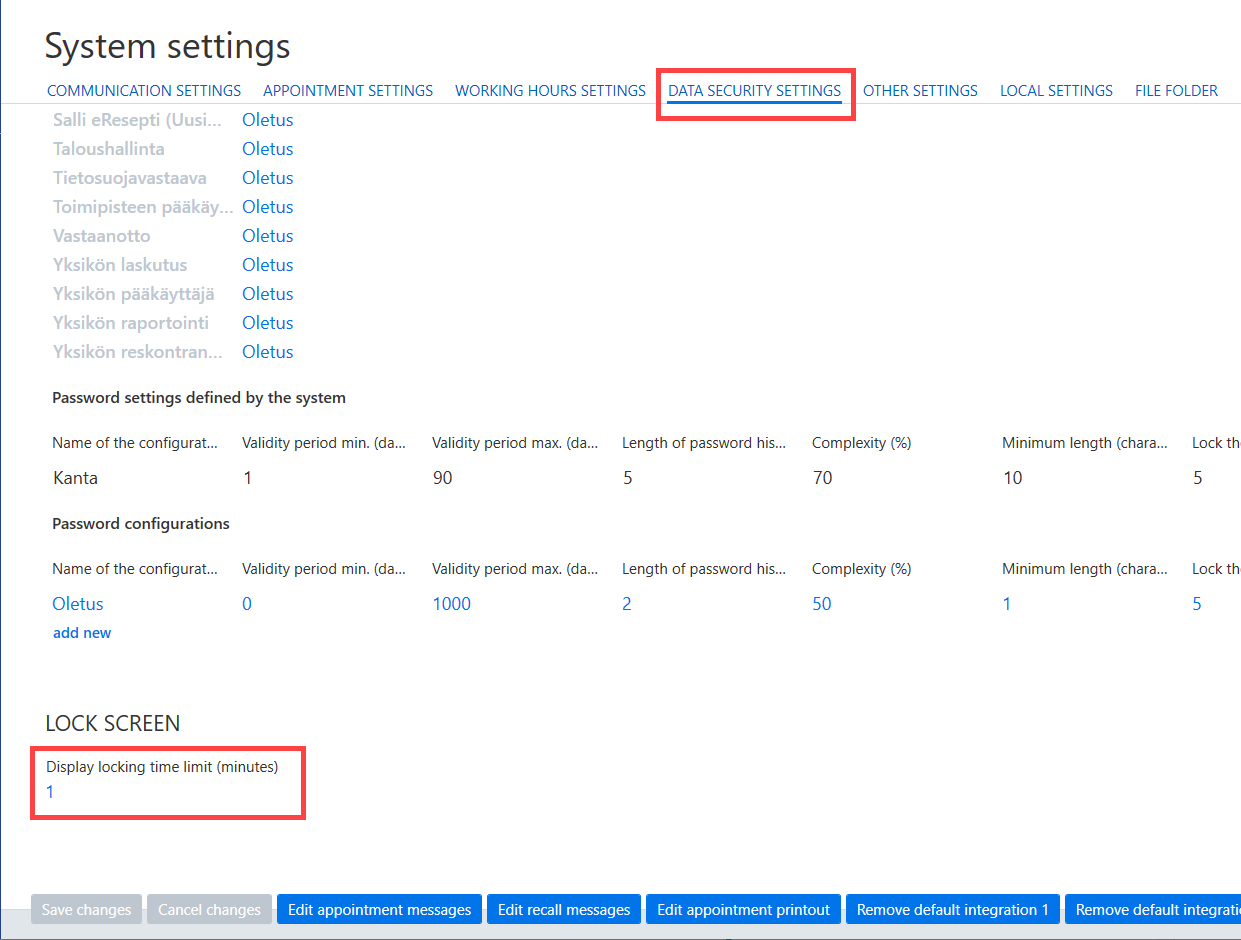
Select the Data security settings tab. You can set the lockout time in minutes in Display locking time limit (minutes). Save changes to finish.