Where needed, free-form text messages can be sent to patients directly from AssisDent.
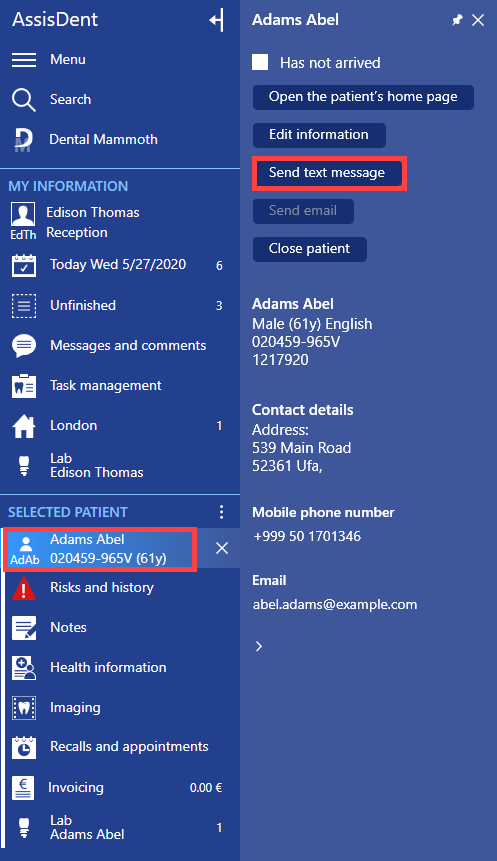
When the patient is open and their information is displayed on the control panel, click on the patient name and select Send text message.
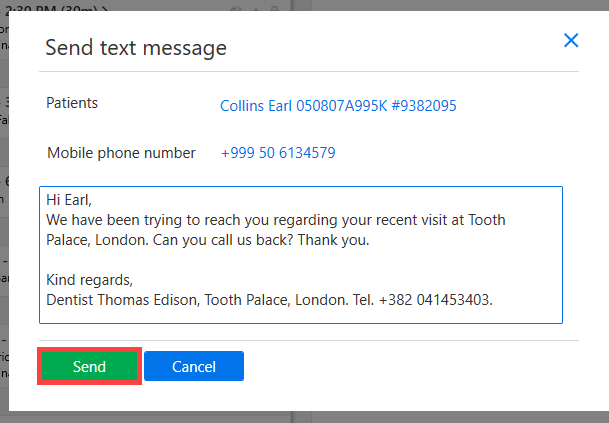
The phone number of the text message recipient can be changed if needed. The contents of the text message should be entered in the text field. Once the message is ready, click the Send button.
If desired, predefined text templates can be stored as phrases. More detailed instructions for creating and using phrases can be found here.