The AssisDent patient register contains all the patients created in the program. Patients can be located from the patient register using either the search box or filters.
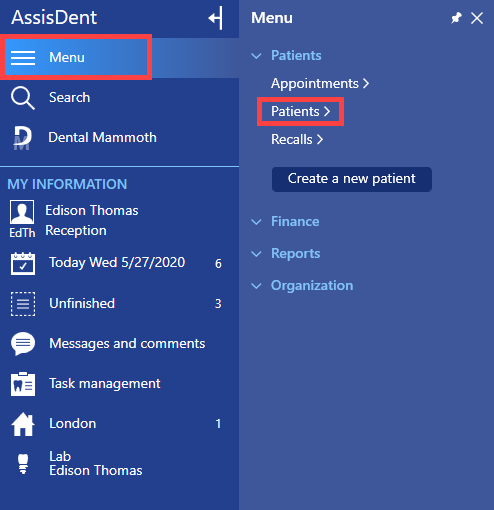
The patient register can be accessed from the control panel: Menu → Patients → Patients.
Click the Show search options button at the top of the patient register.
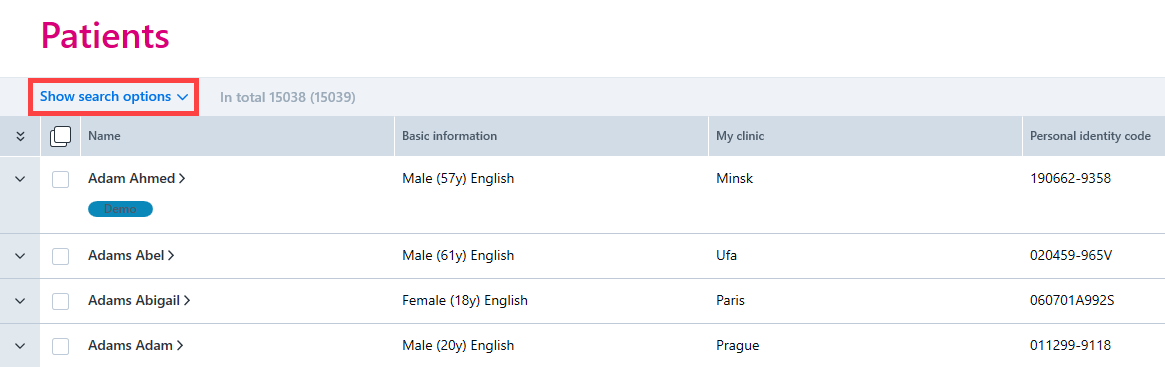
The search field in the patient register allows you to search for patients by name, personal identity code or internal identifier.

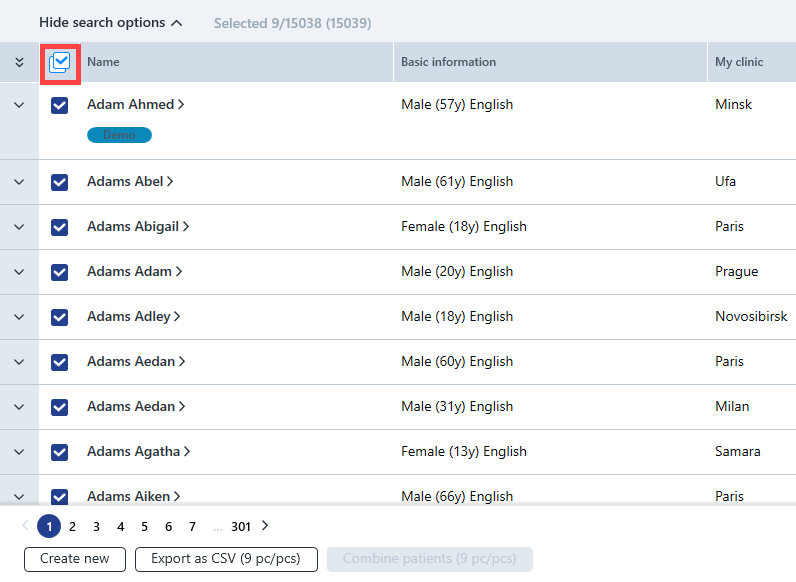
The Select button allows batch selection of patients, and the patients are listed in alphabetical order. More detailed instructions can be found here.
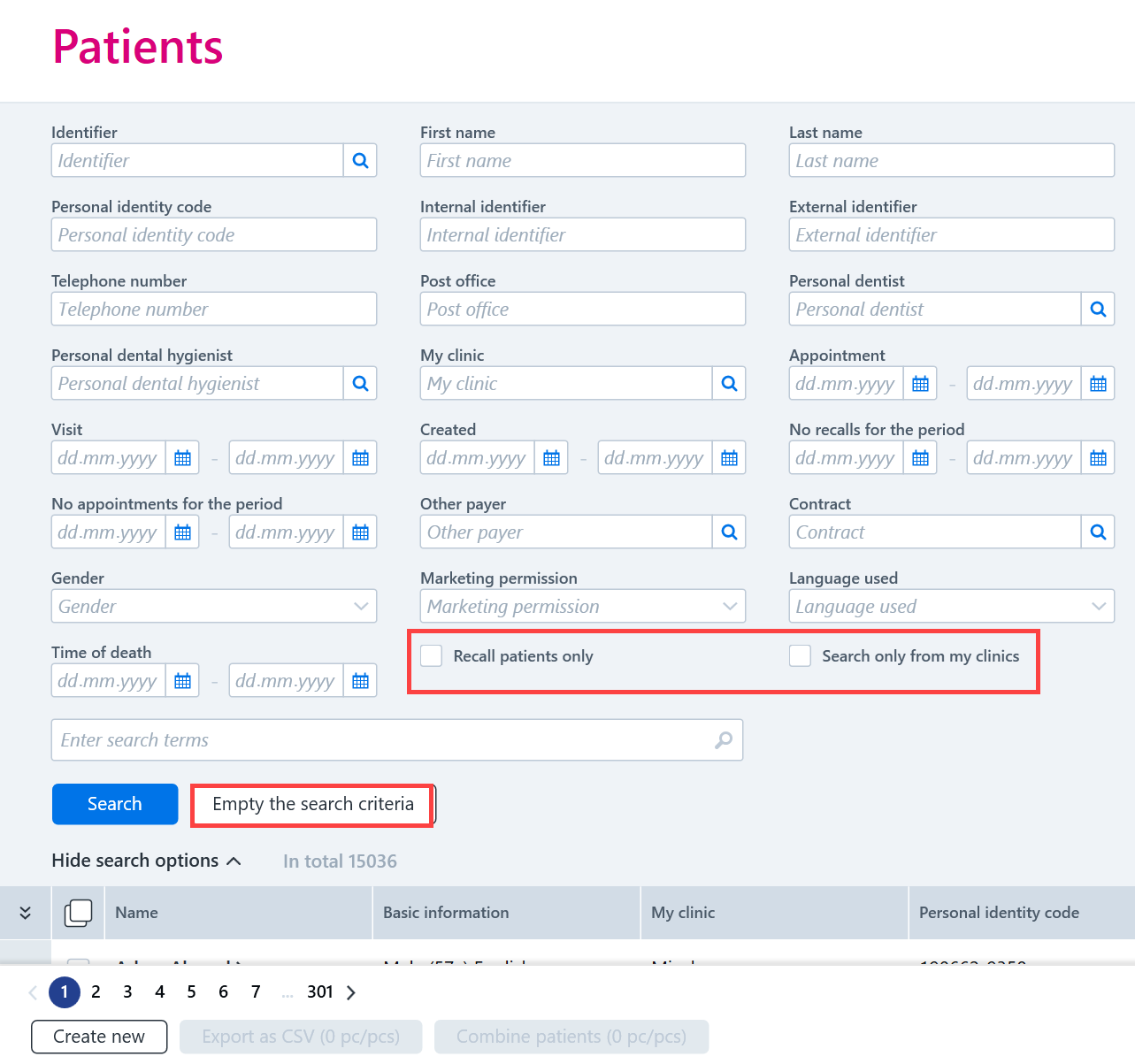
By clicking Show search options, you can apply filters in order to show only certain kinds of patients from the patient register.
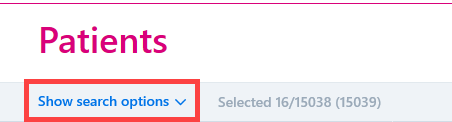
The search results can be restricted to:
- Recall patients
- Patients for one’s own clinic
The following filters can be used to filter the search results:
- Name
- Identifier
- Gender
- Telephone number
- Personal dentist / personal dental hygienist
- Clinic
- Appointment, Recall or Visit
- Language
- Contract
- Date the patient was created
The search criteria that have been applied can be cleared by clicking Empty the search criteria.
When a patient is selected from the list, you can use the Additional options key to access different program functions for the patient.
