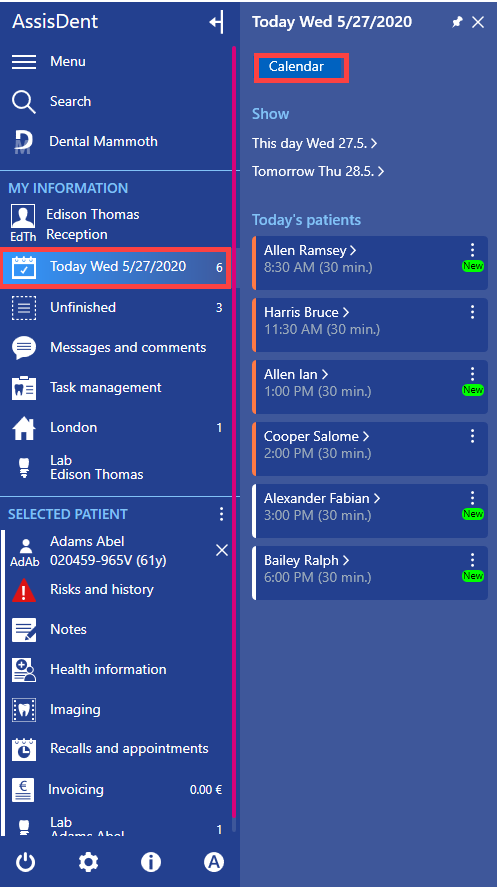
Open the appointment calendar (Today → Calendar) and locate the appointment you wish to edit.
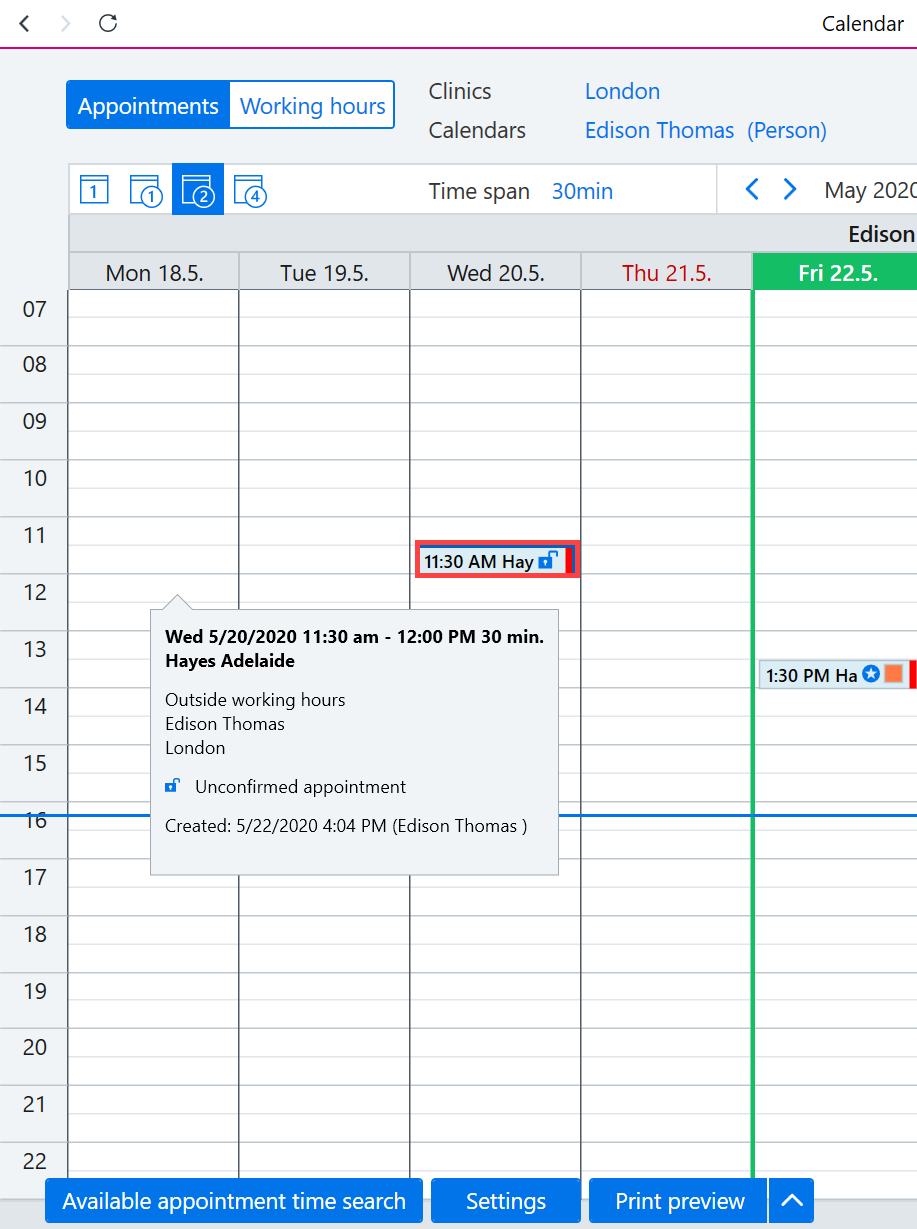
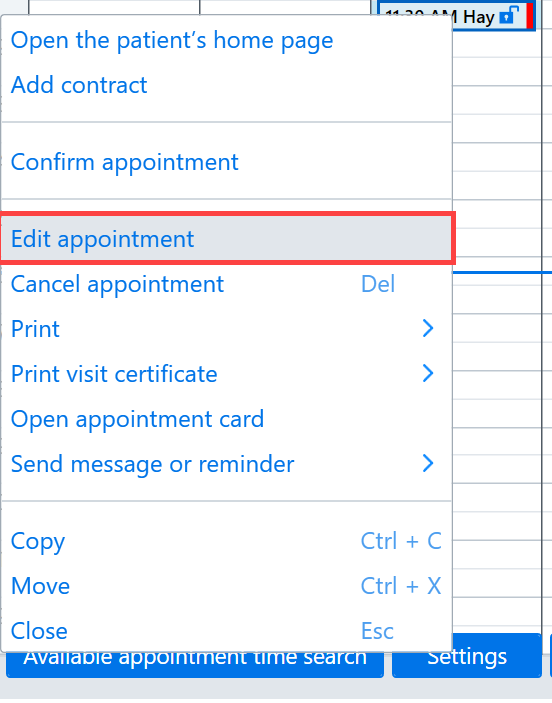
Right click on it and then select Edit appointment (or alternatively double-click on the appointment).
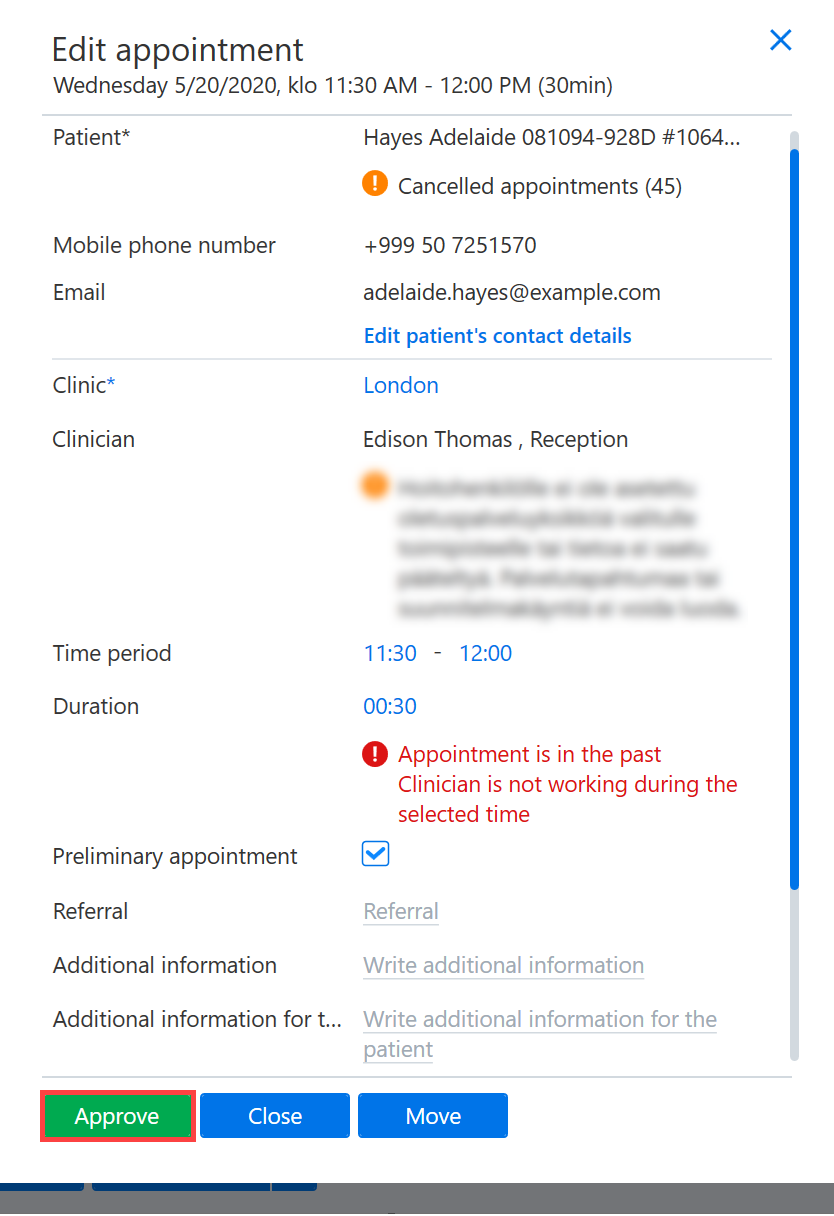
The appointment editing box will open, and you can then make the necessary changes. Any changes made are then saved by clicking Approve.