If roles have been set for the reasons for seeking treatment, the employees with these roles must have assigned to them working time that can be booked online.
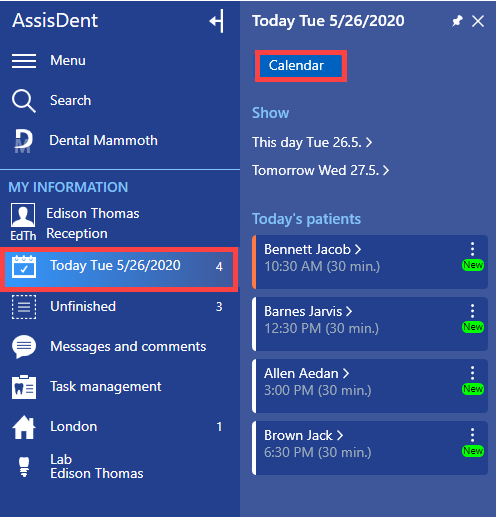
First, access the working time planning calendar from the control panel, for example, by clicking Today → Calendar.
Next, select Working hours at the top of the appointment calendar.

Select the calendars of the desired employees by searching for the employees in Calendars.

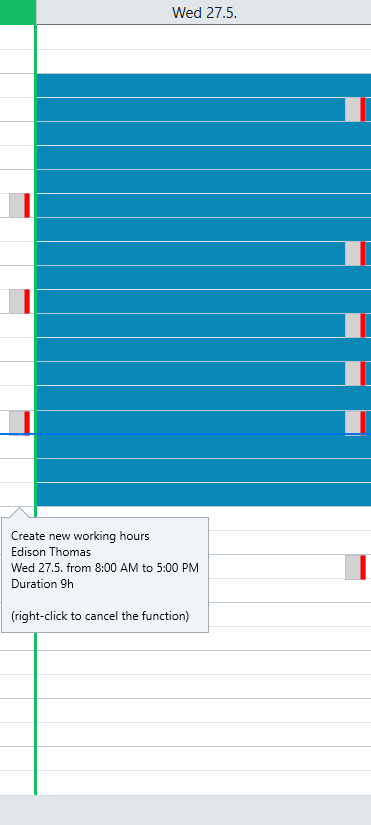
Hold down the left mouse button and drag the mouse over the desired time period. When you release the left mouse button, the working time appears at the selected position.
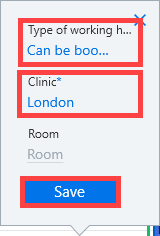
Next, select the details for the type of working time, clinic and room.
The working time type should be set to Booked online. A clinic must also be specified for the working hours, and if desired, room information can also be added. Click Save to finish.
Please note: The working time available for online booking may in your organization be under a name other than Booked online. Please check your working time settings for the name of the correct working time type.
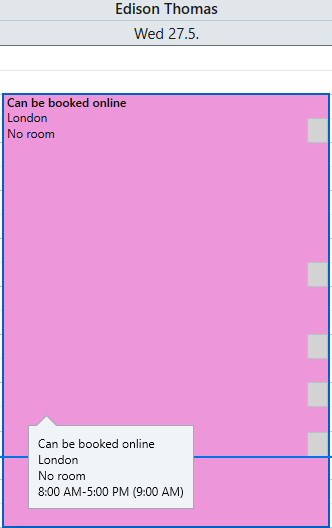
The working time has now been created.