Please note: The use of the patient archiving function and visibility of the Archive button depend on the user’s access rights.
First, search for the patient to be archived. If needed, see the patient search instructions.
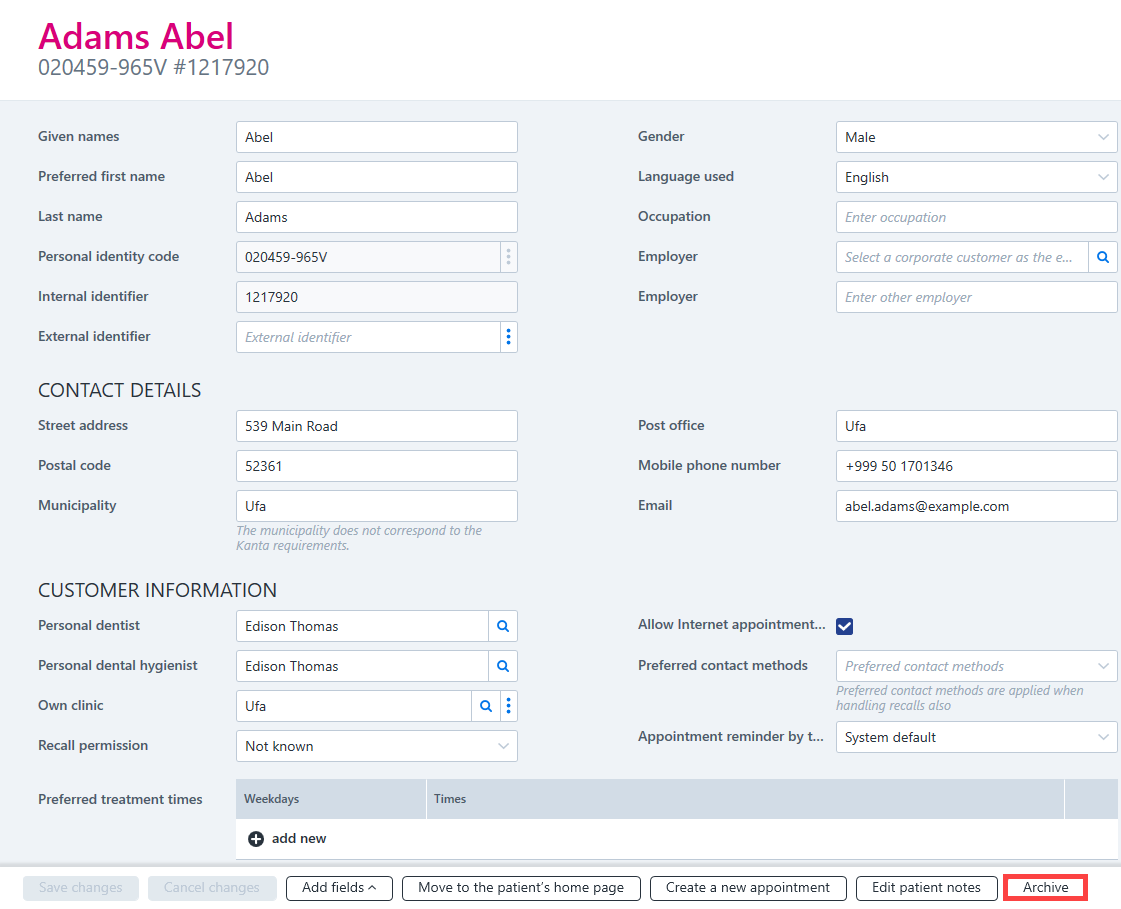
Once the desired patient is displayed, open the patient's customer information. The patient can be archived from the customer information view in the following ways:
Click on the Archive button at the bottom of the patient details.
Click Yes to confirm.

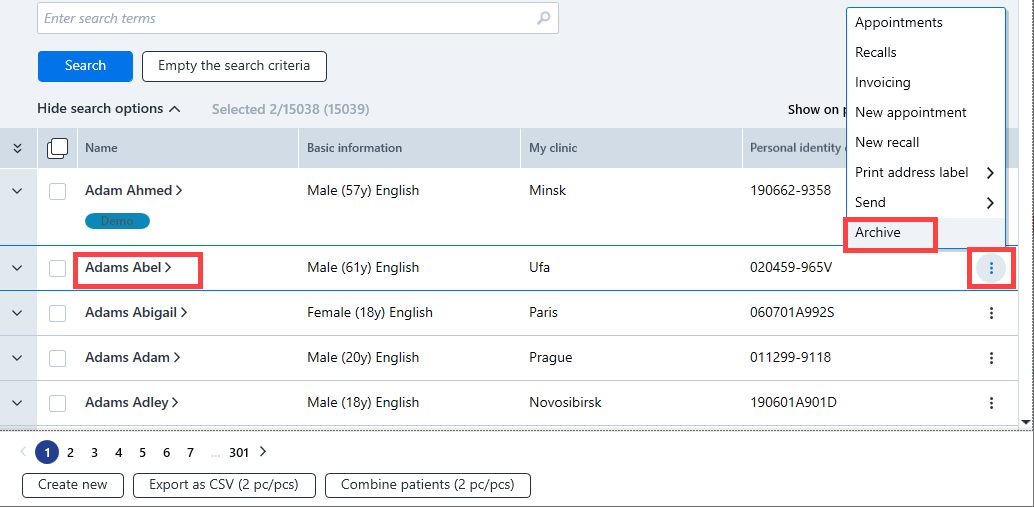
From the patient register, you can either archive individual patients or archive several patients at once.
- To archive an individual patient, select the patient, click the additional functions button and select Archive from the pop-up menu.
Restoring an archived patient
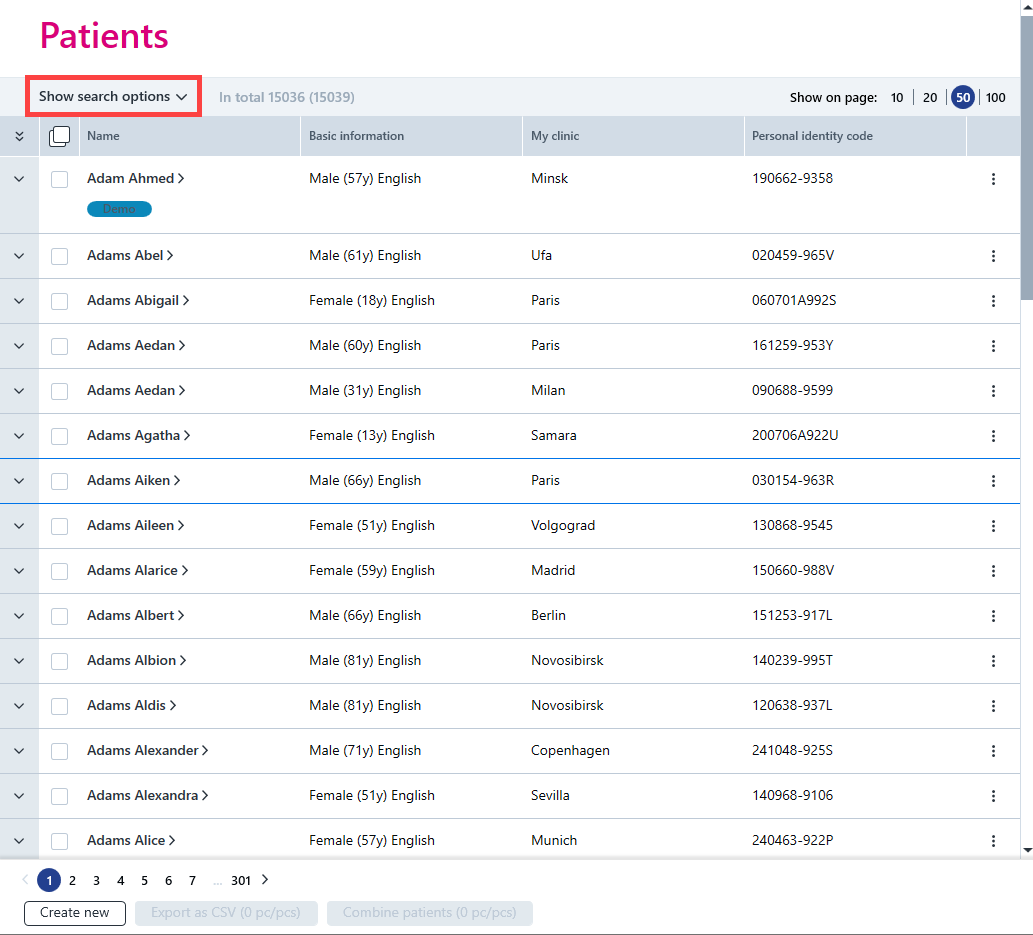
Go to the patient register, click Show search options and select archived patients.
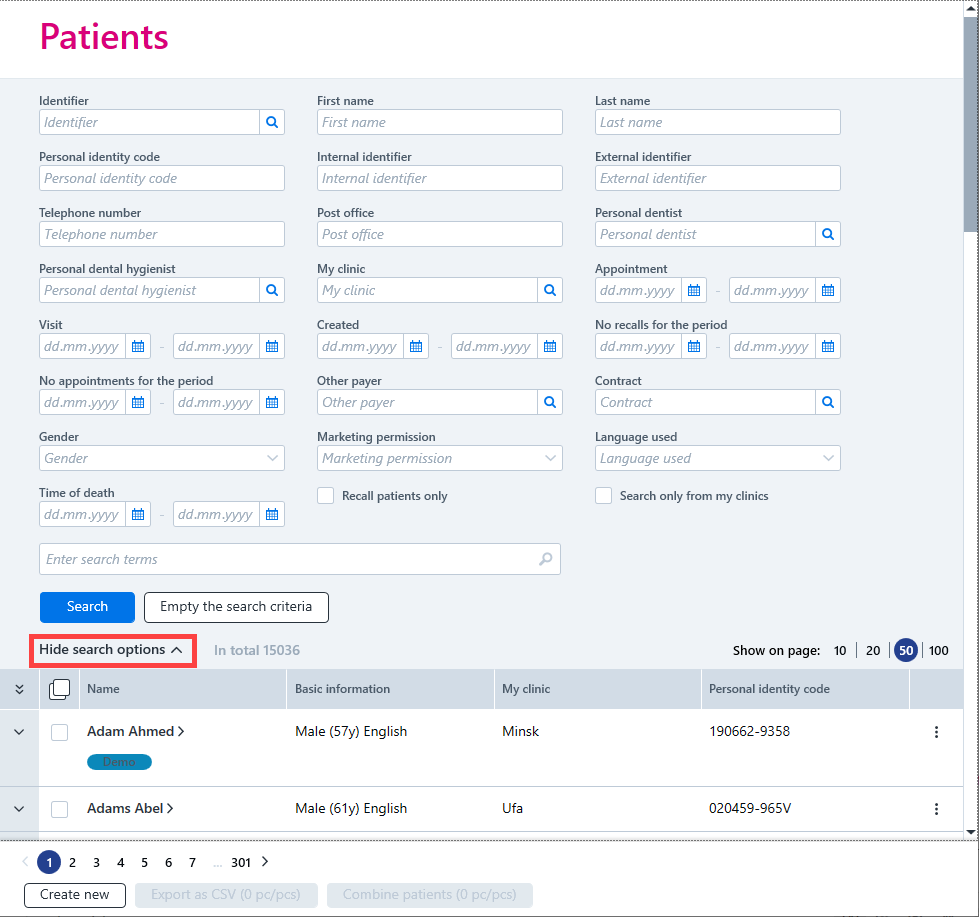
Click the Search button to activate the search.

If desired, the search criteria can be hidden by clicking Hide search options.
Open the patient card and click Restore.
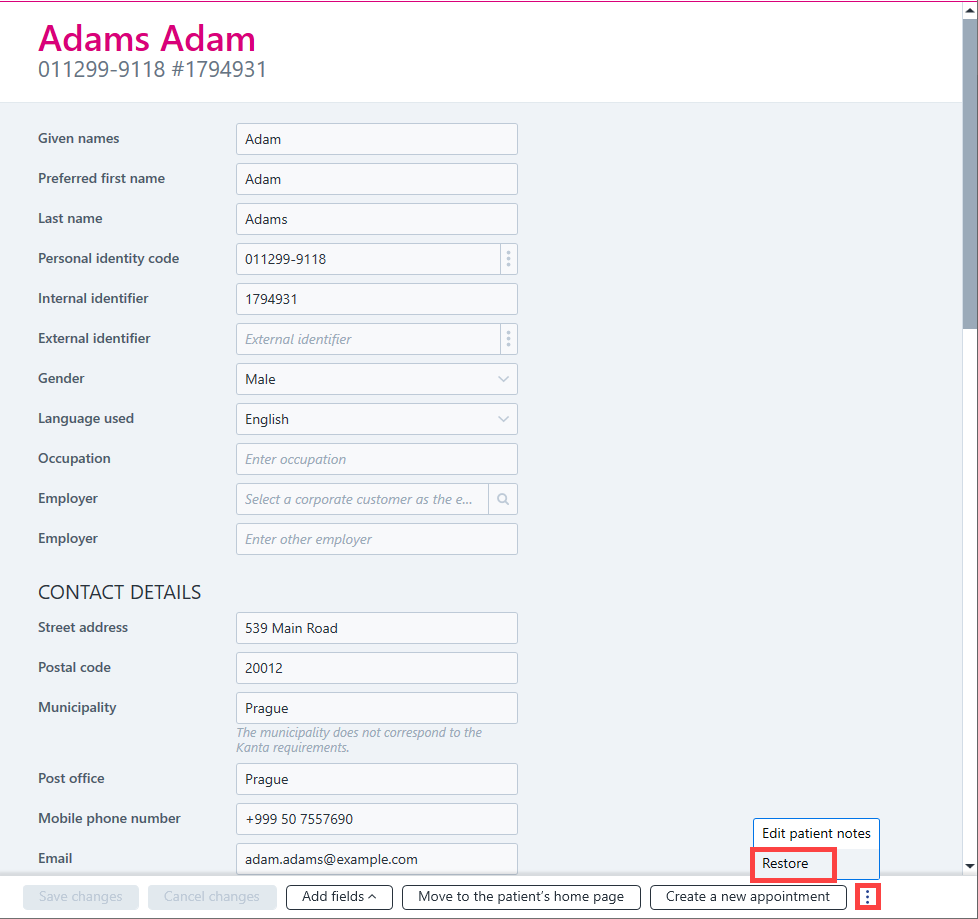
Finally, confirm that you want to restore the patient from the archive.