General settings
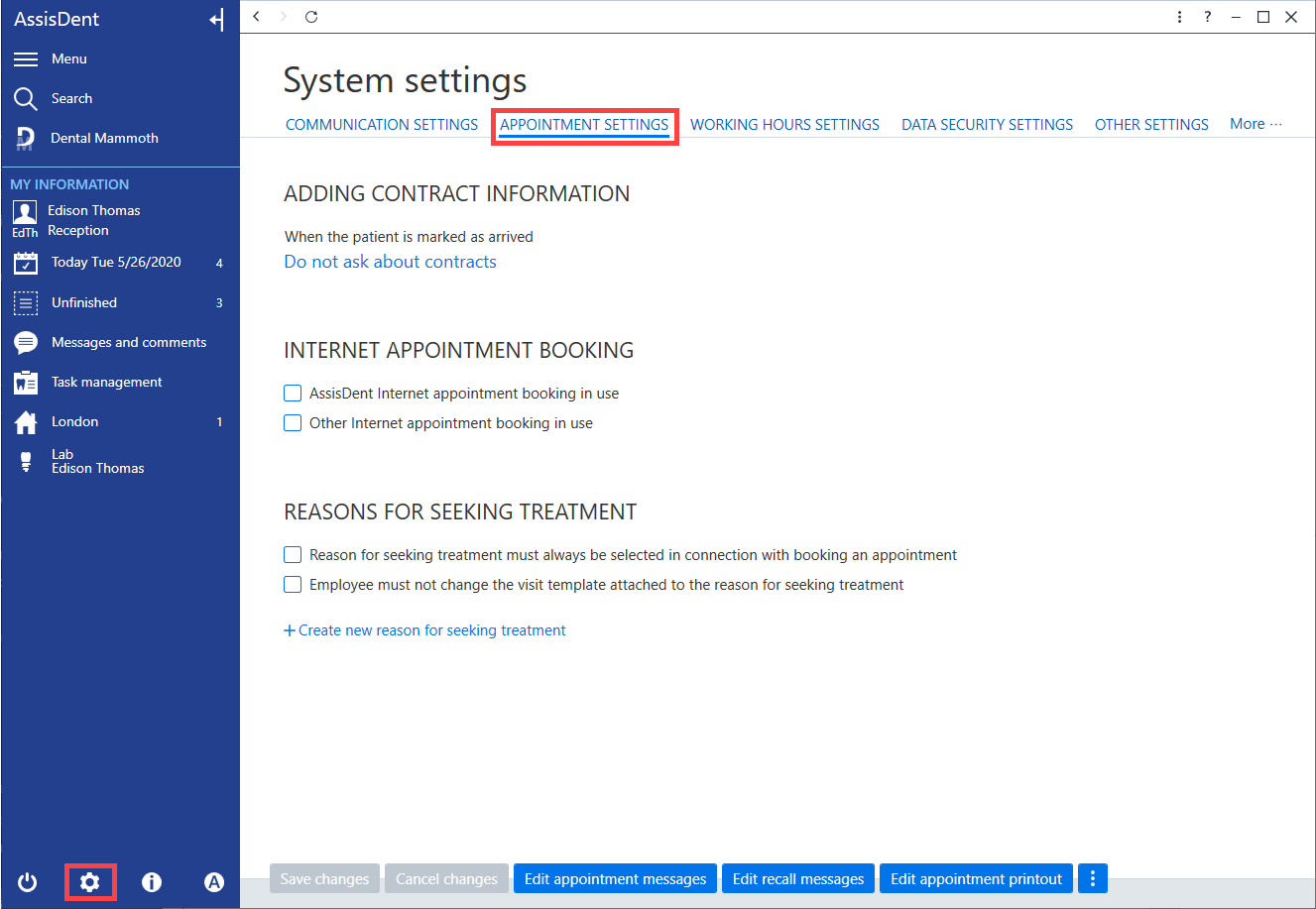
The reasons for seeking treatment settings can be modified from the system settings in the Appointment settings tab.
Click the system settings button to access the System settings and select the Appointment settings tab. The settings for the reasons for seeking treatment can be found under the heading Reasons for seeking treatment.
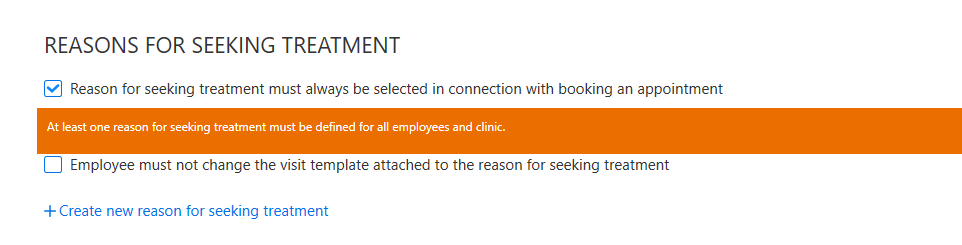
If you select Reason for seeking treatment must always be selected in connection with booking an appointment, it is always necessary to select a reason for seeking treatment before an appointment can be saved.
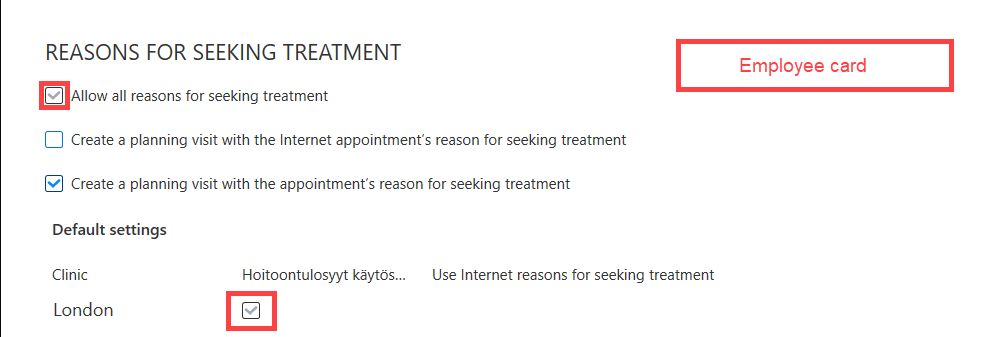
If you enable the setting Reason for seeking treatment must always be selected in connection with booking an appointment, it is not possible to disable reasons for seeking treatment from the employee's card (e.g. for a specific clinic).
If you enable the setting Employee must not change the visit template attached to the reason for seeking treatment, the employees must then use the visit templates linked to the reasons for seeking treatment in the system settings.
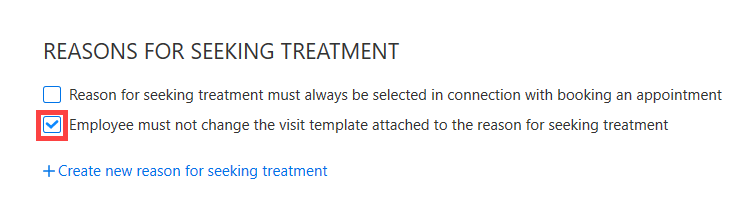
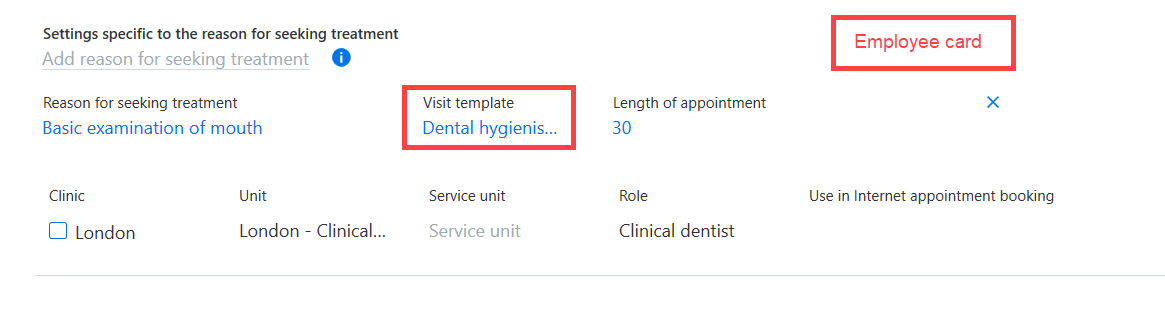
If this setting is disabled, employees can change on their own employee card the visit template linked to the reason for seeking treatment.
Creating a reason for seeking treatment
Note! If you are creating reasons for seeking treatment for use with internet appointments, remember to first create the service groups. Further instructions on this can be found here.
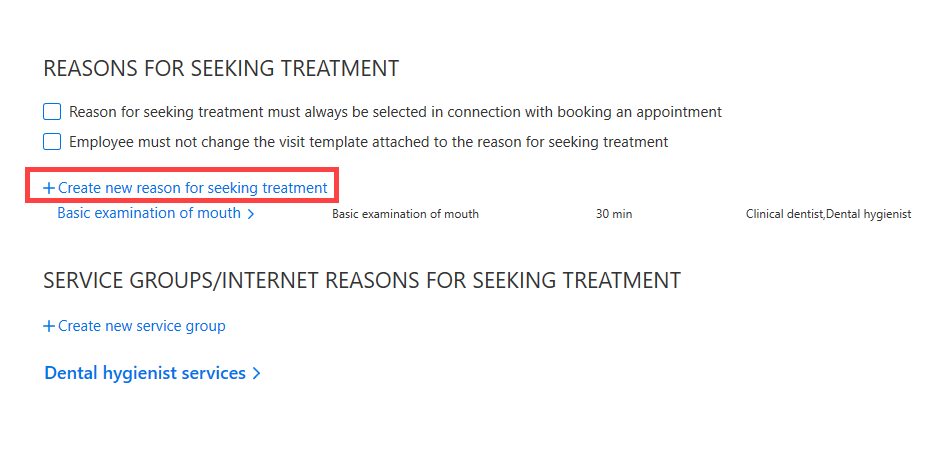
To create a new reason for seeking treatment, click + Create new reason for seeking treatment.
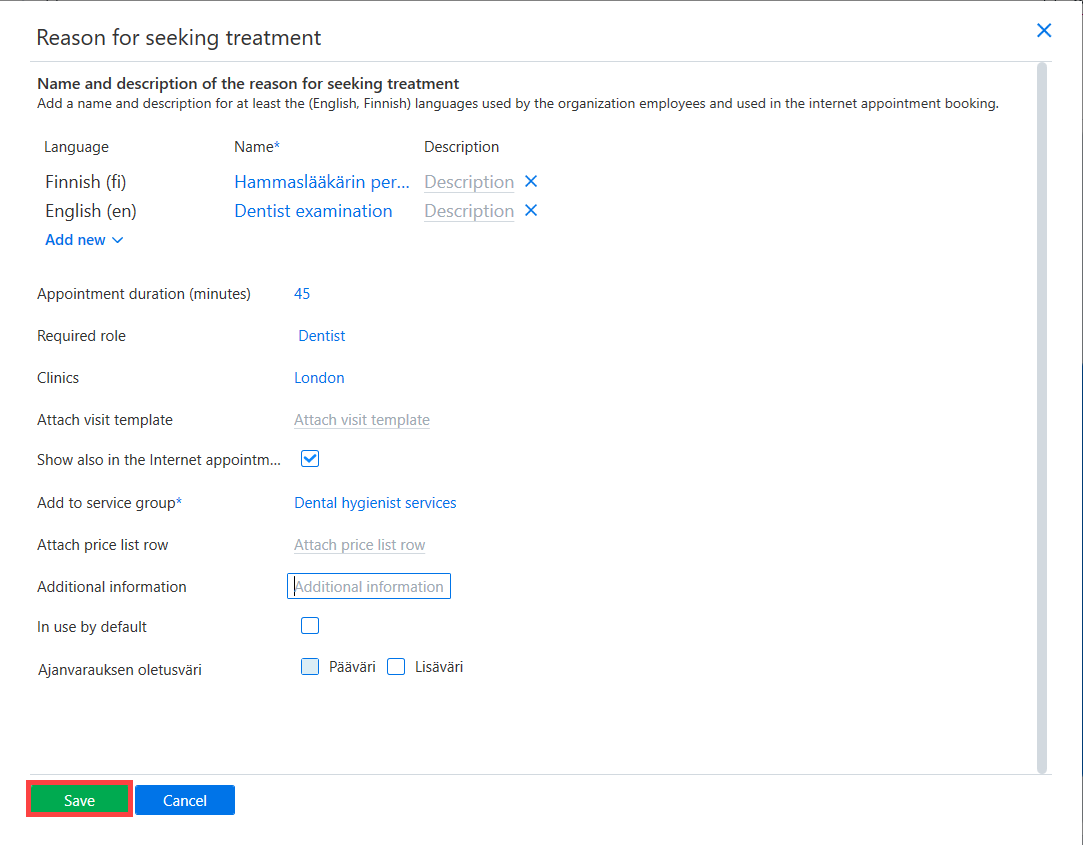
Fill in at least the mandatory information (name and appointment duration).
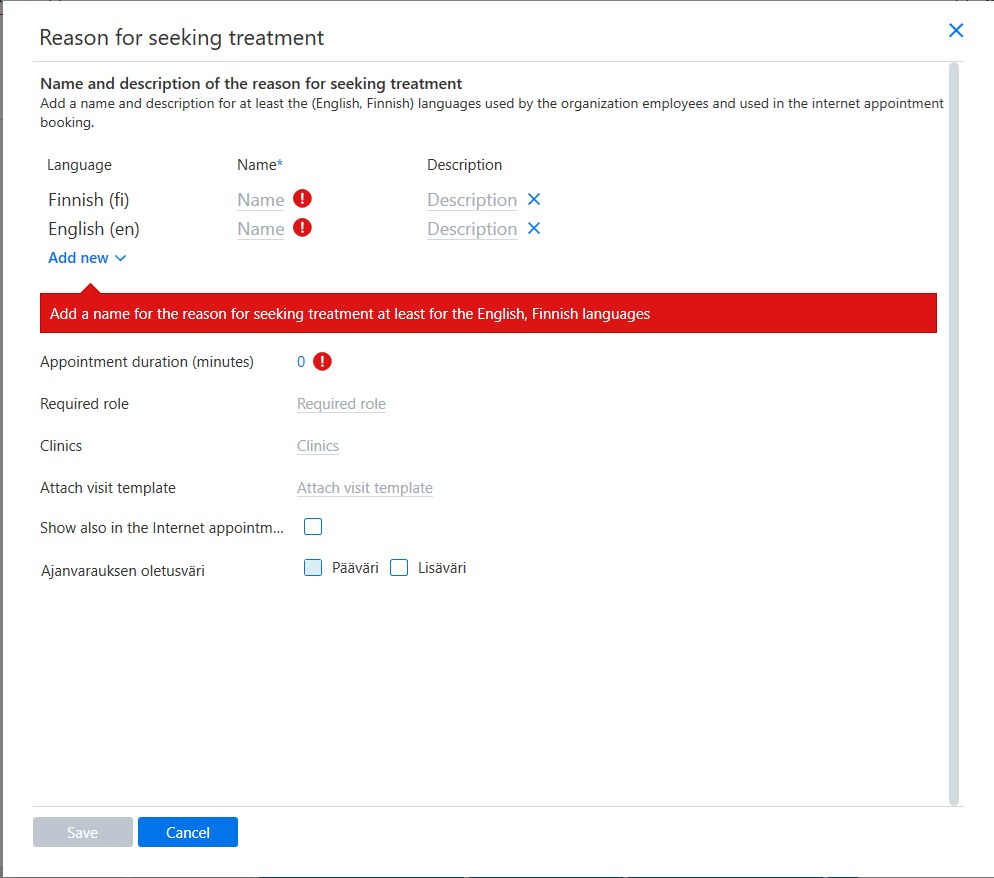
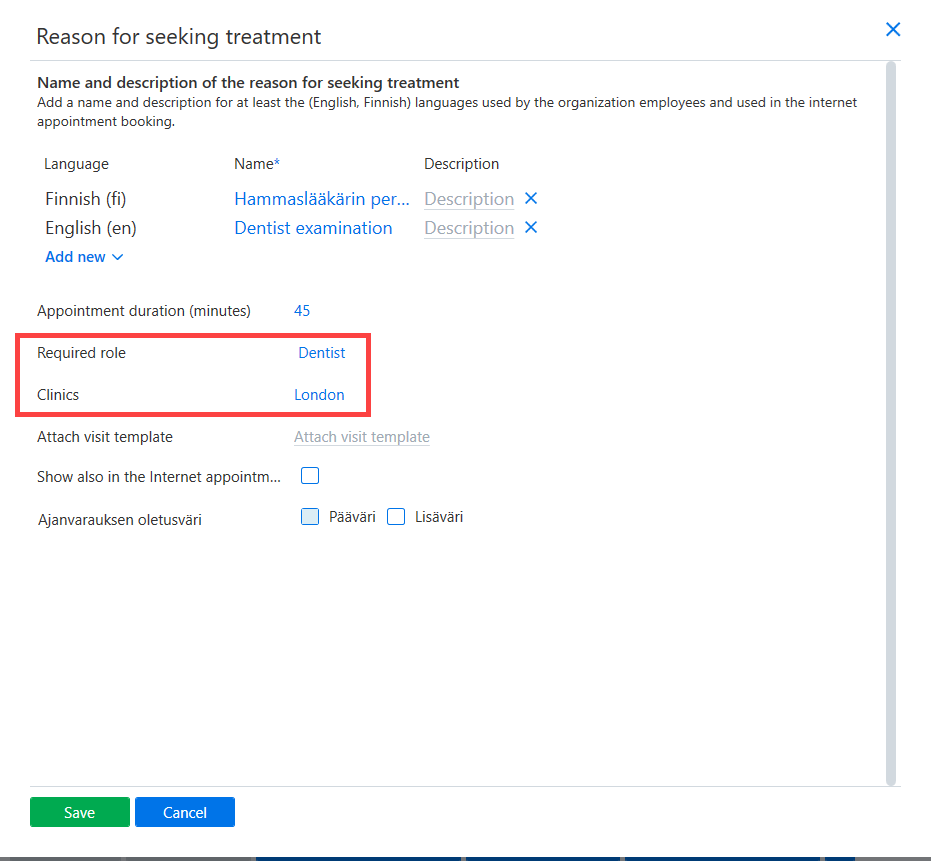
If desired, the role and clinic settings can be used to determine for which employee roles and at which clinics the reason for seeking treatment is visible.
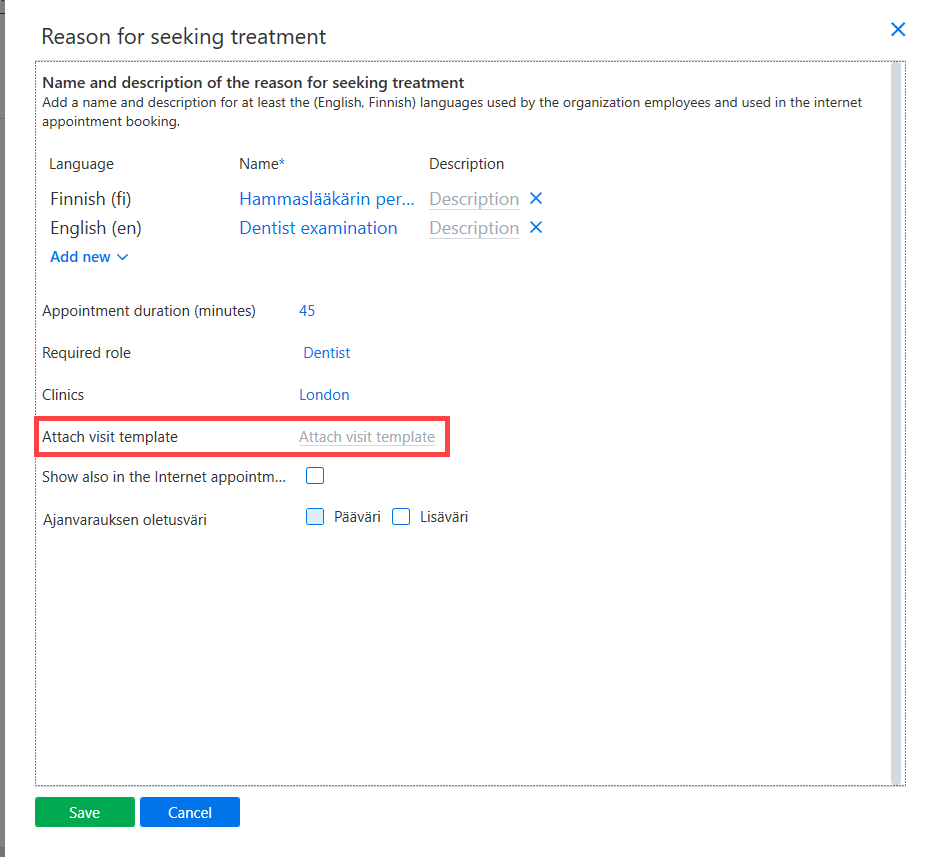
If you want the patient record to automatically display the visit template (when a reason for seeking treatment has been linked to the patient’s appointment), select Attach visit template.
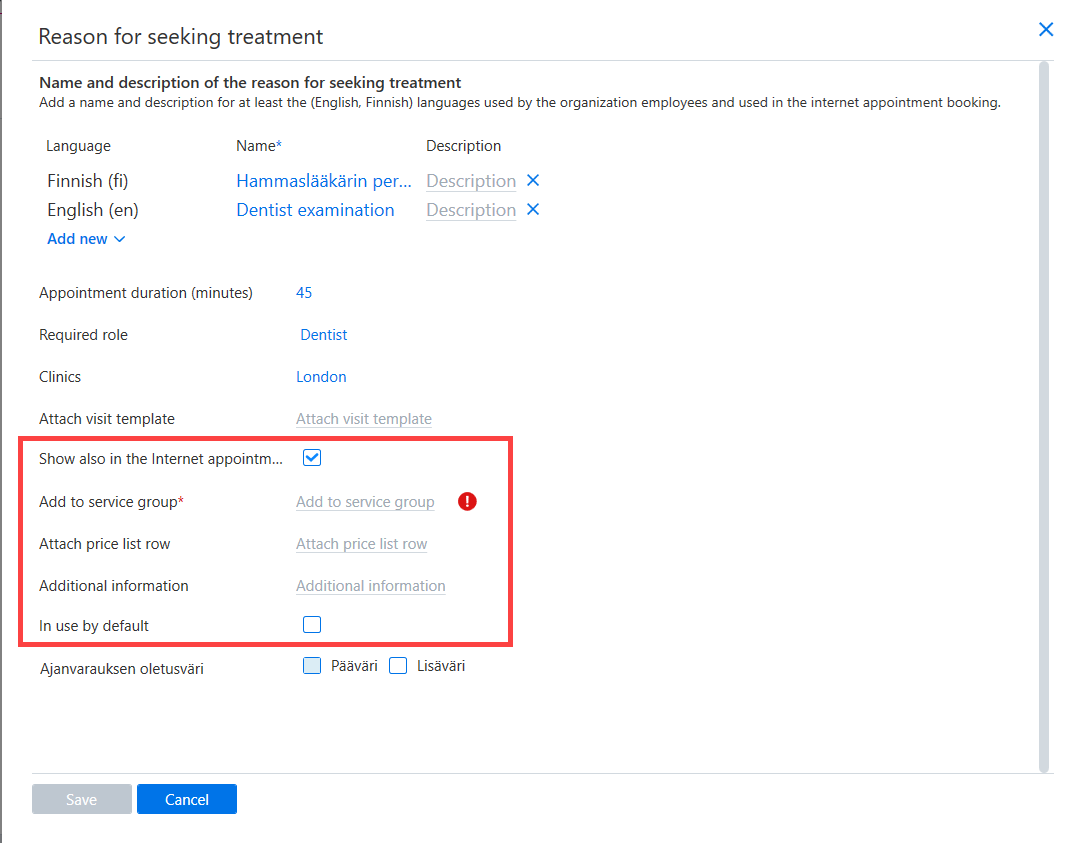
If the reason for seeking treatment should also be visible in internet appointments, select Show also in the Internet appointmentt. Next, select the service group that the reason for seeking treatment should be linked to and adjust any other desired settings for the Internet appointments.
Once the information has been entered, finish by clicking Save.