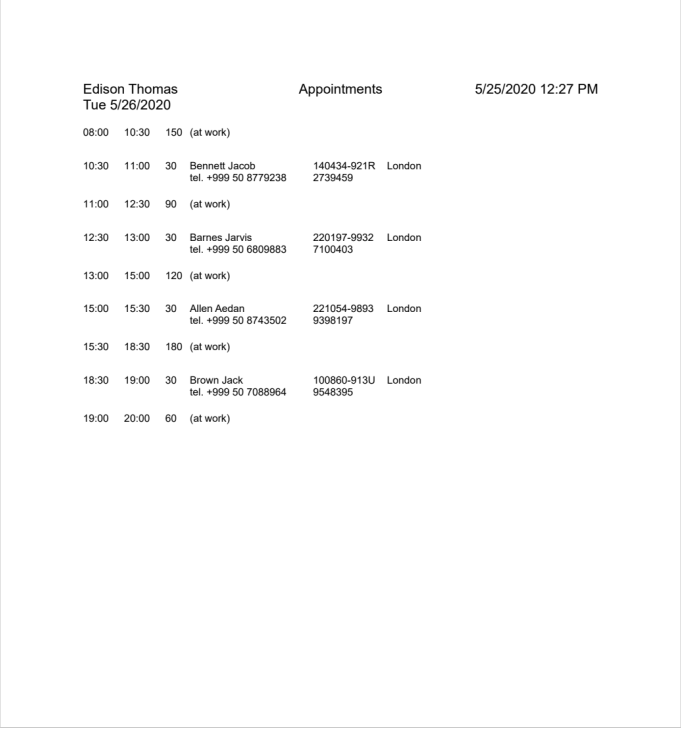
Printing the appointment list of a patient
You can print the appointment list of a patient as follows:
Navigate to the calendar by selecting Today → Calendar and select the necessary appointment.
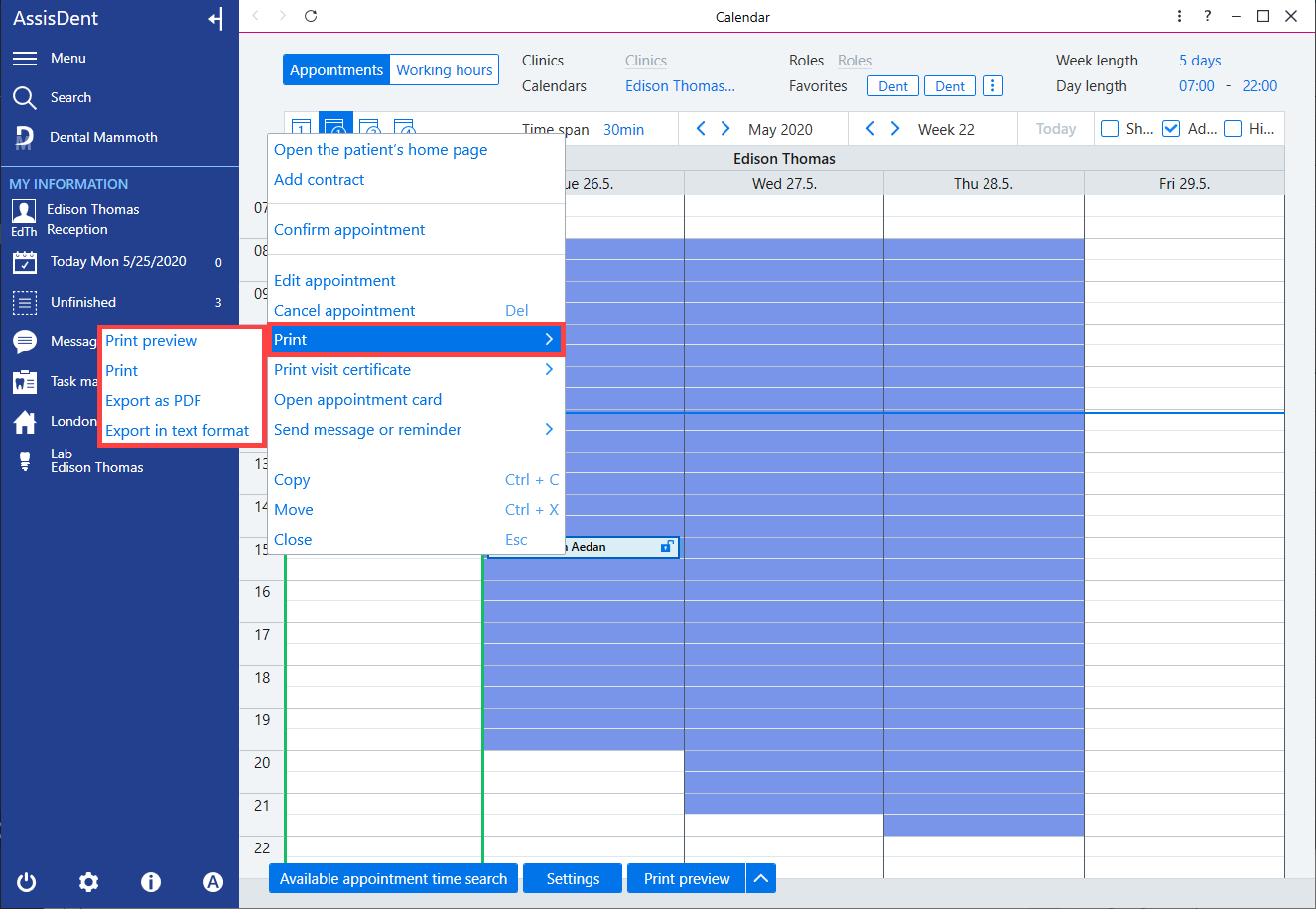
Right-click the appointment and select the necessary printing option under Print.
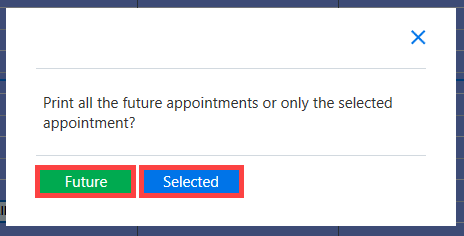
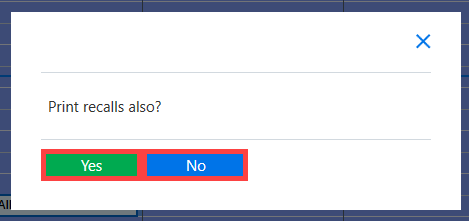
Select whether to print all of the patient’s appointments and/or recalls by clicking Future or Selected.
Printing daily/weekly lists
You can print the daily/weekly appointment list for an employee as follows:
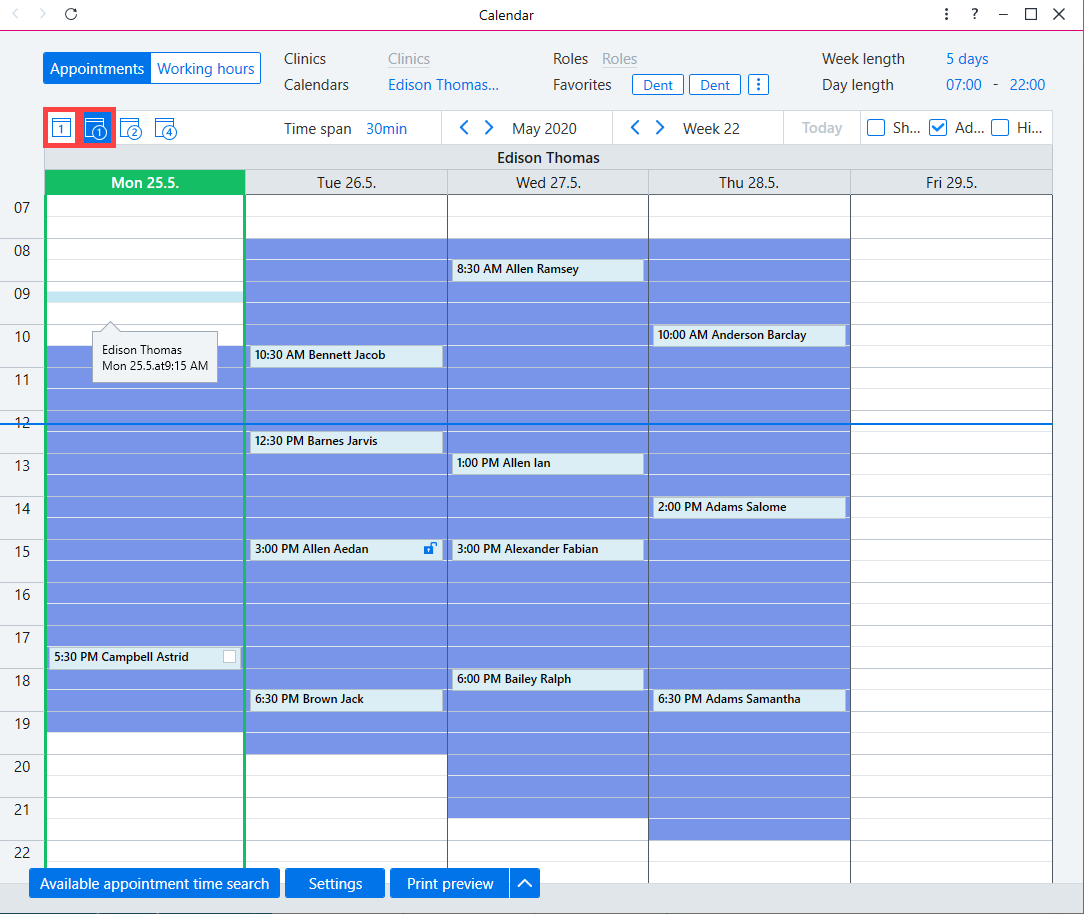
Navigate to the calendar by selecting Today → Calendar and select the day or week view.
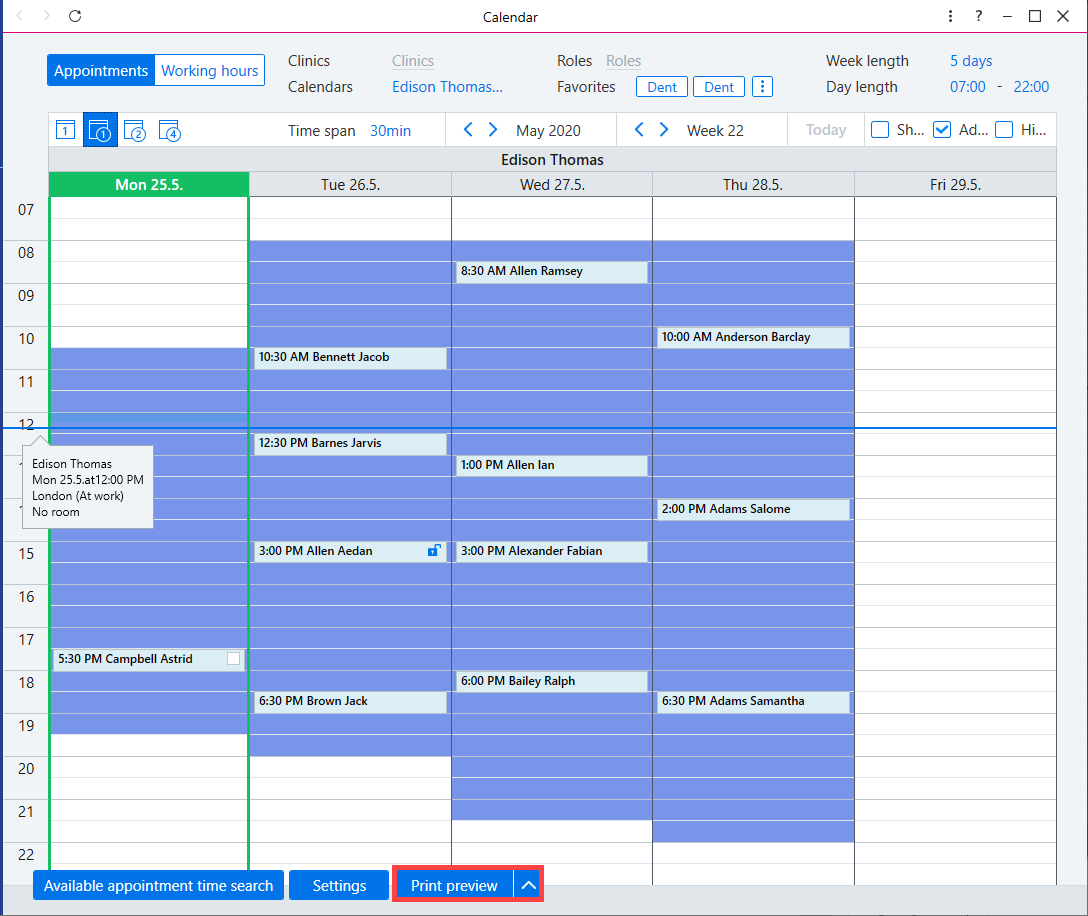
Click Print preview on the bottom.
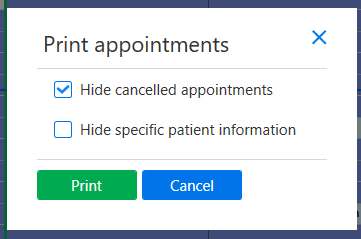
Select whether to print cancelled appointments and whether to display or hide patient names and personal identity codes on printouts.
Printouts feature available working hours, appointments and additional appointment information as well as appointments without patients.