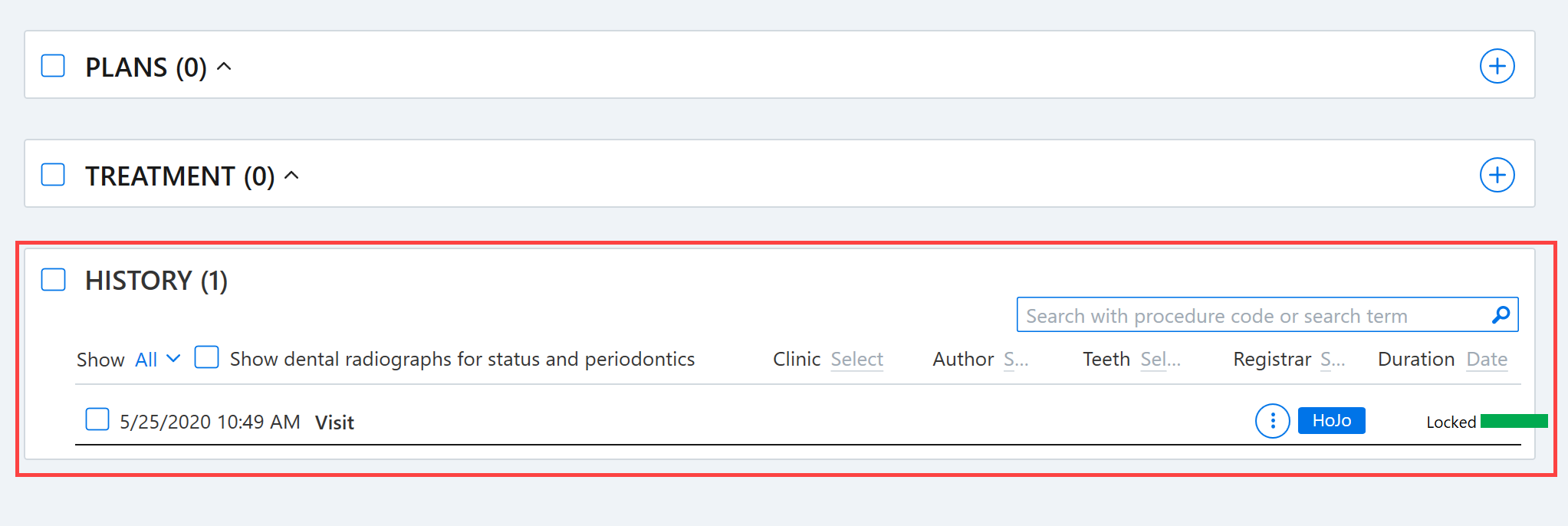
The treatment history can be filtered using the search and filter function at the top of the history section.
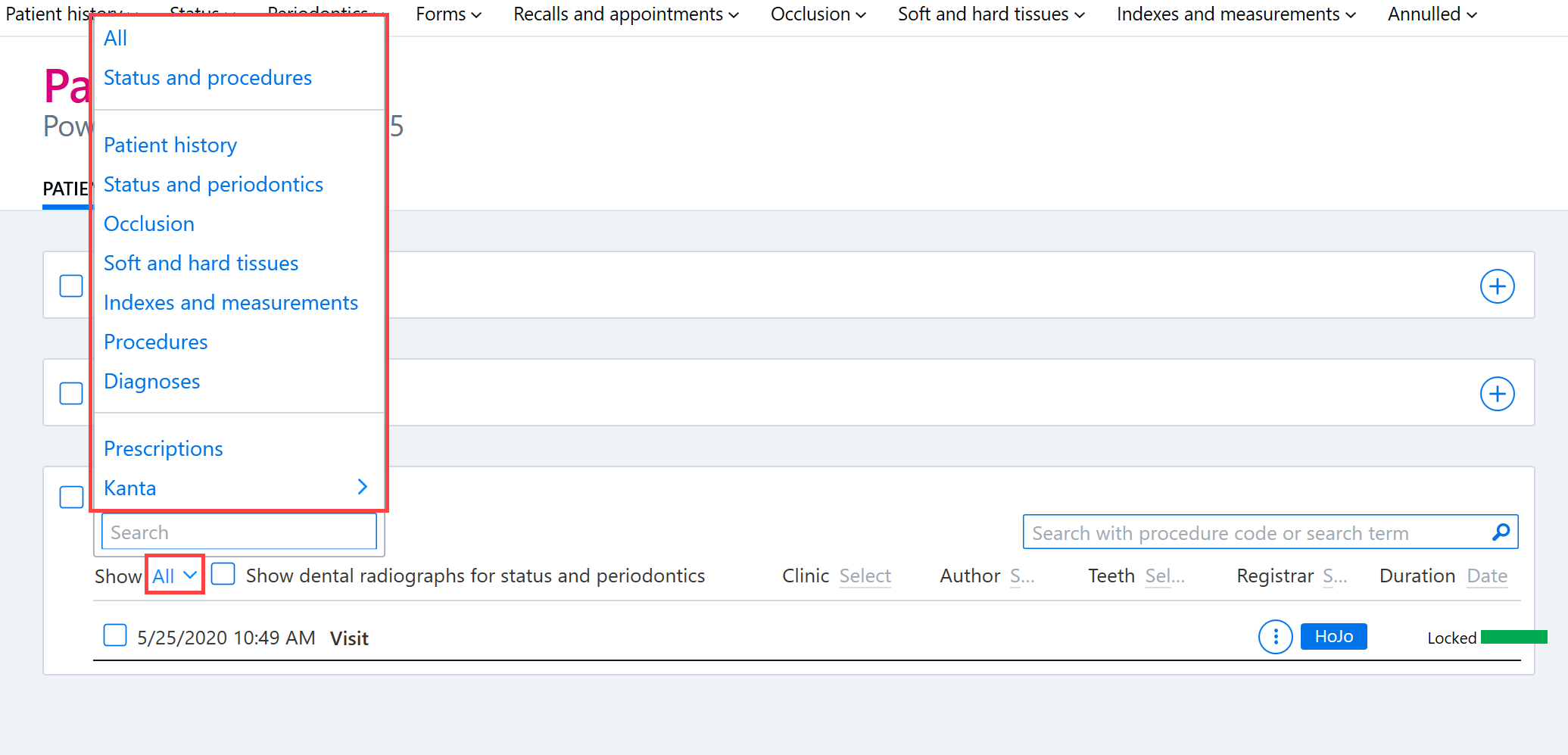
The All button allows you to view the patient's treatment history by topic, filtering for example to show only procedures.
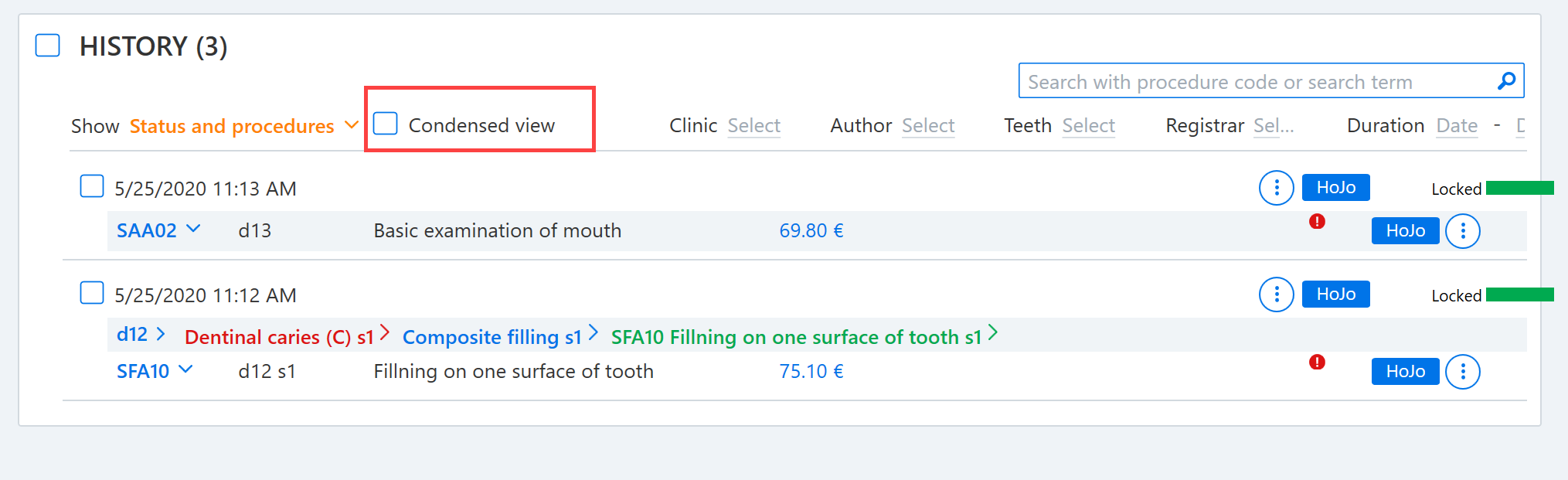
The search results are sorted by visit. If desired, you can switch to the Condensed view, which displays the procedures in rows in a more concise format.

You can filter the history by searching for any string of words or characters. For example, you can type into the Search with procedure code or search term field:
- Procedure code
- Procedure name
- Tooth number
- Document name
- Visit date
- Reason for visit
- Words contained in the Kanta heading
- First name or surname of document author
- Service unit name of document author
Once you enter a keyword, any matching results are automatically displayed.
Note! The search results that are displayed will vary depending on what parts of the history have been selected under Show. The option selected under Show affects, for example, whether documents containing the entries entered will be shown in full or whether only the procedures will be listed.
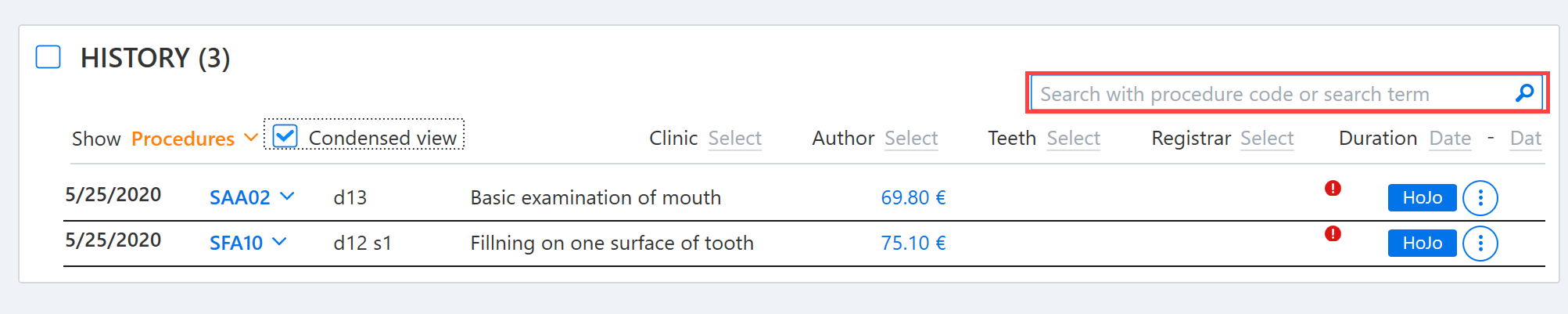
Search examples
To show all procedures performed in tooth 15, for example, you can do the following:
1) type d15 in the search field
2) select Status and procedures from the Show menu
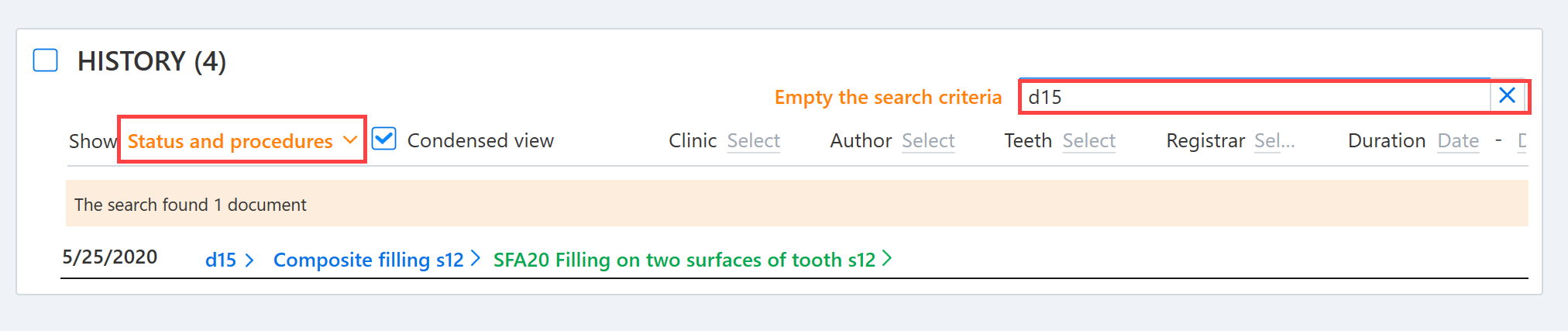
All SFA procedures performed on tooth 15 can be displayed by doing the following:
1) type d15 sfa in the search field
2) select Status and procedures from the Show menu

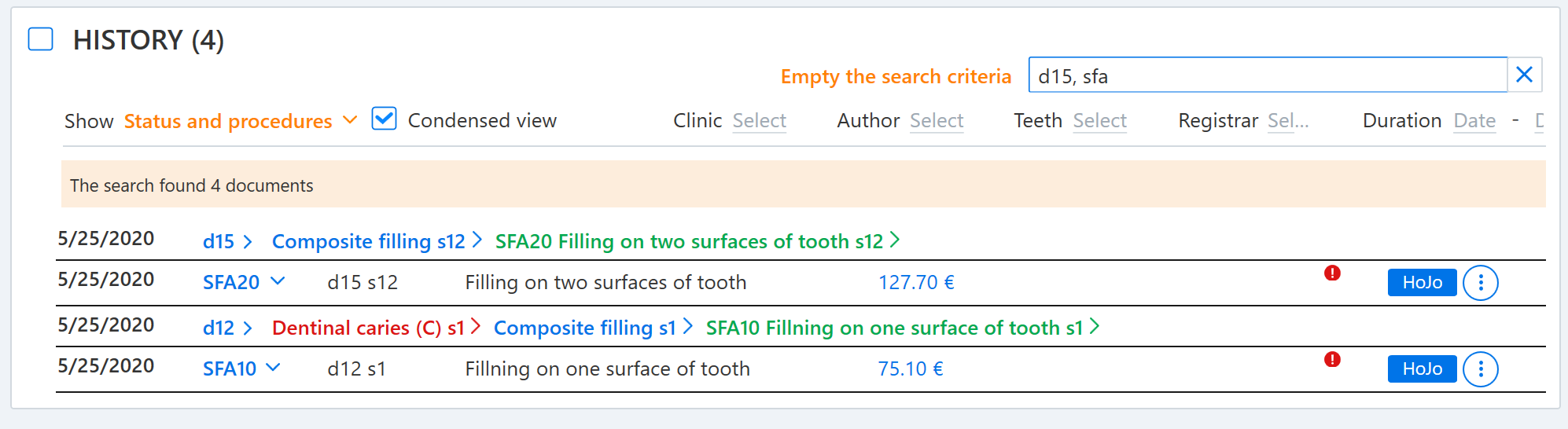
To display all procedures and SFA procedures performed on tooth 15, do the following:
1) type d15, sfa in the search field
2) select Status and procedures from the Show menu
In addition to searching for particular words, the history can be filtered according to clinic, author, tooth and time period. After the filter has been added, click on an empty space to activate the search.
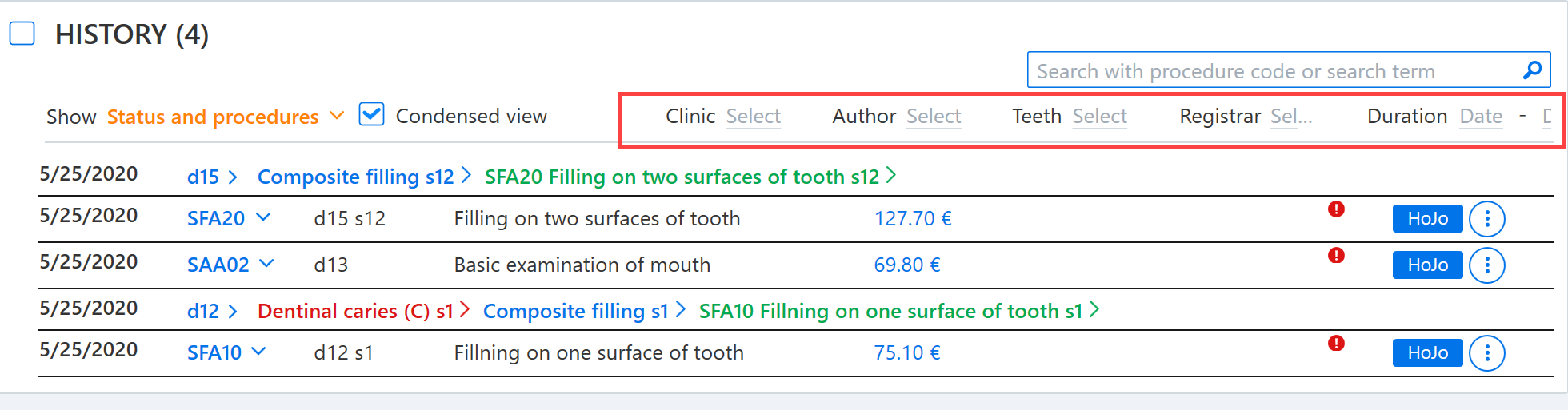
Filters and search field text can be cleared by clicking Empty the search criteria.

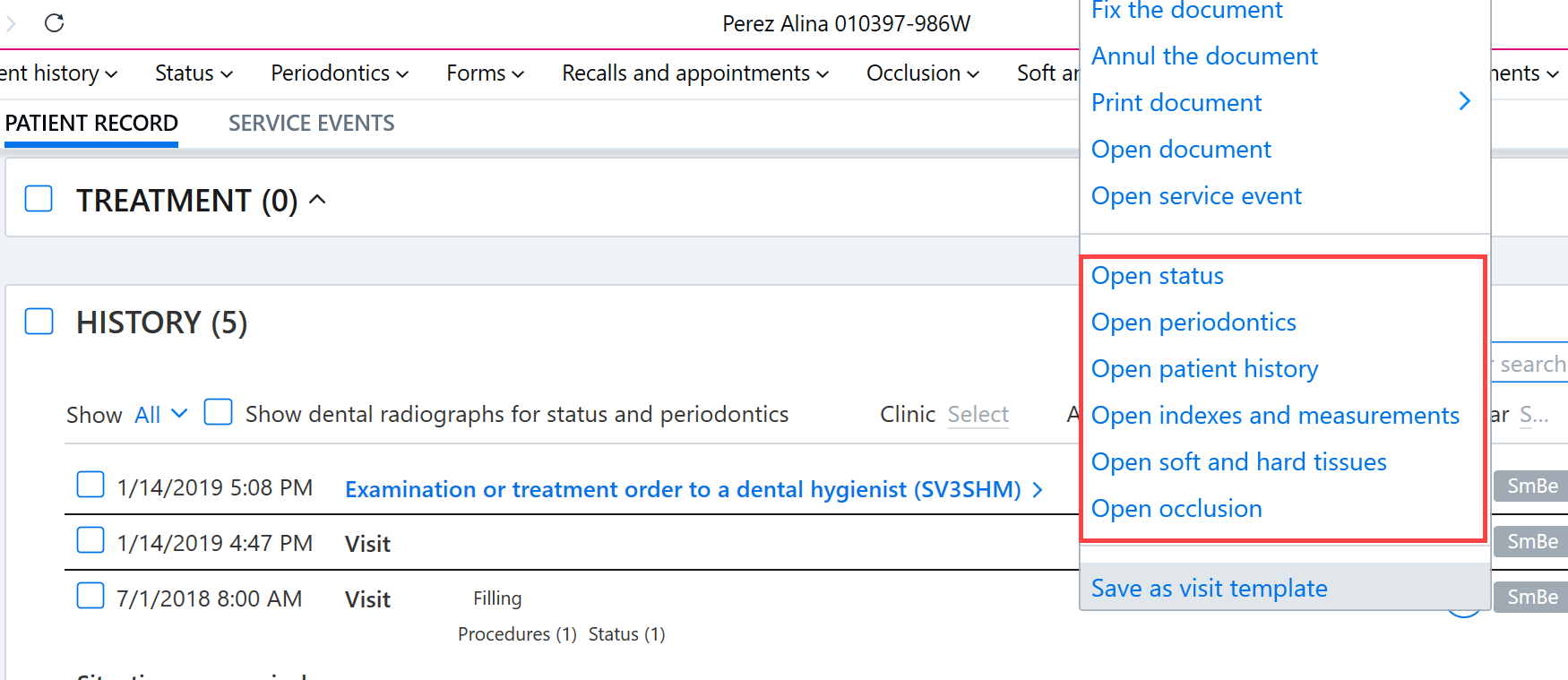
The Additional functions button for the visits listed in the History view can be used to open different views including the patient history view, status view, and periodontics view.