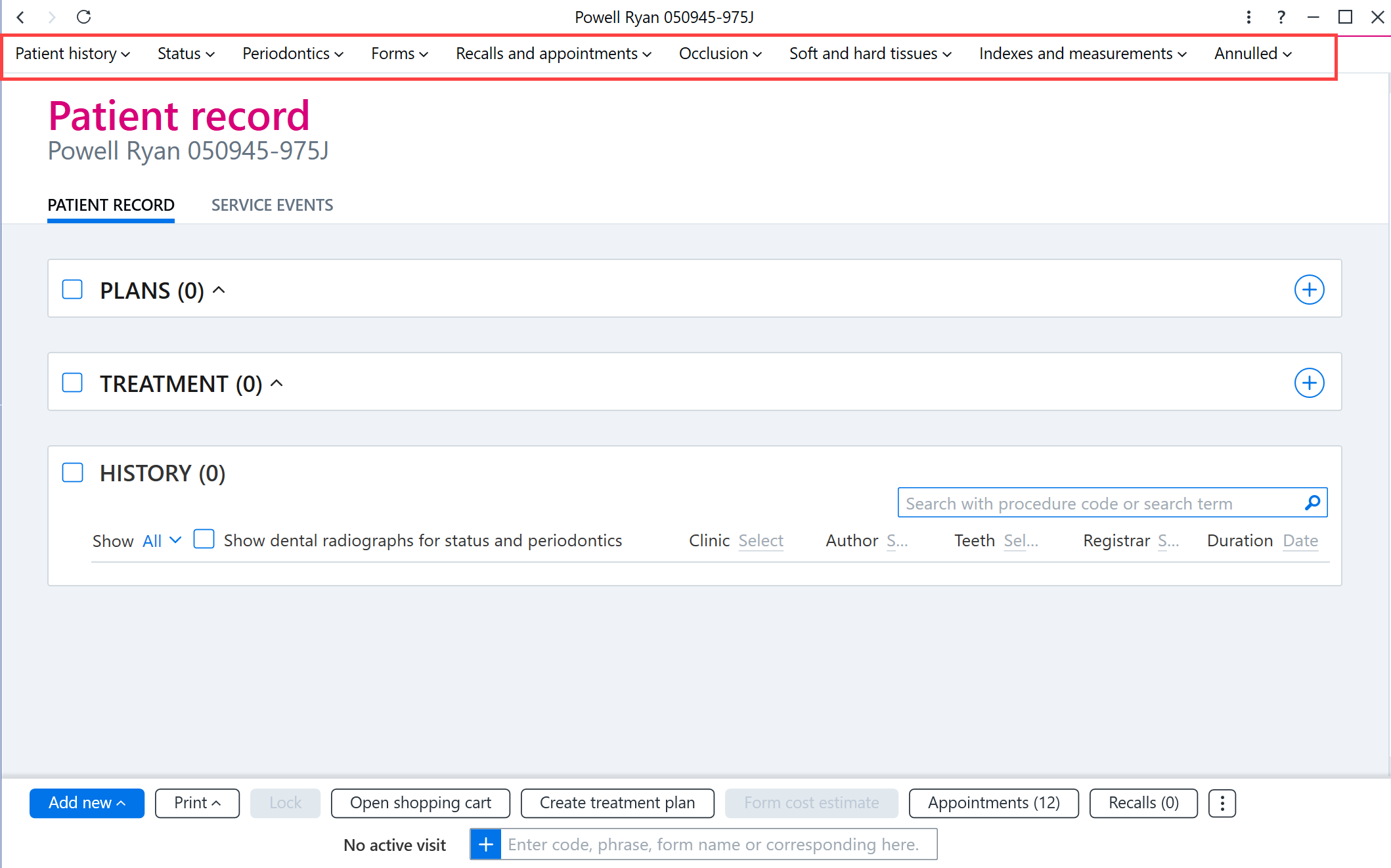
The patient record contains patient documents related to the patient. Click the buttons at the top of the patient record to switch to different views (for example, open Status or Patient history). In addition, Annulled patient documents can be selected at the top of the record.
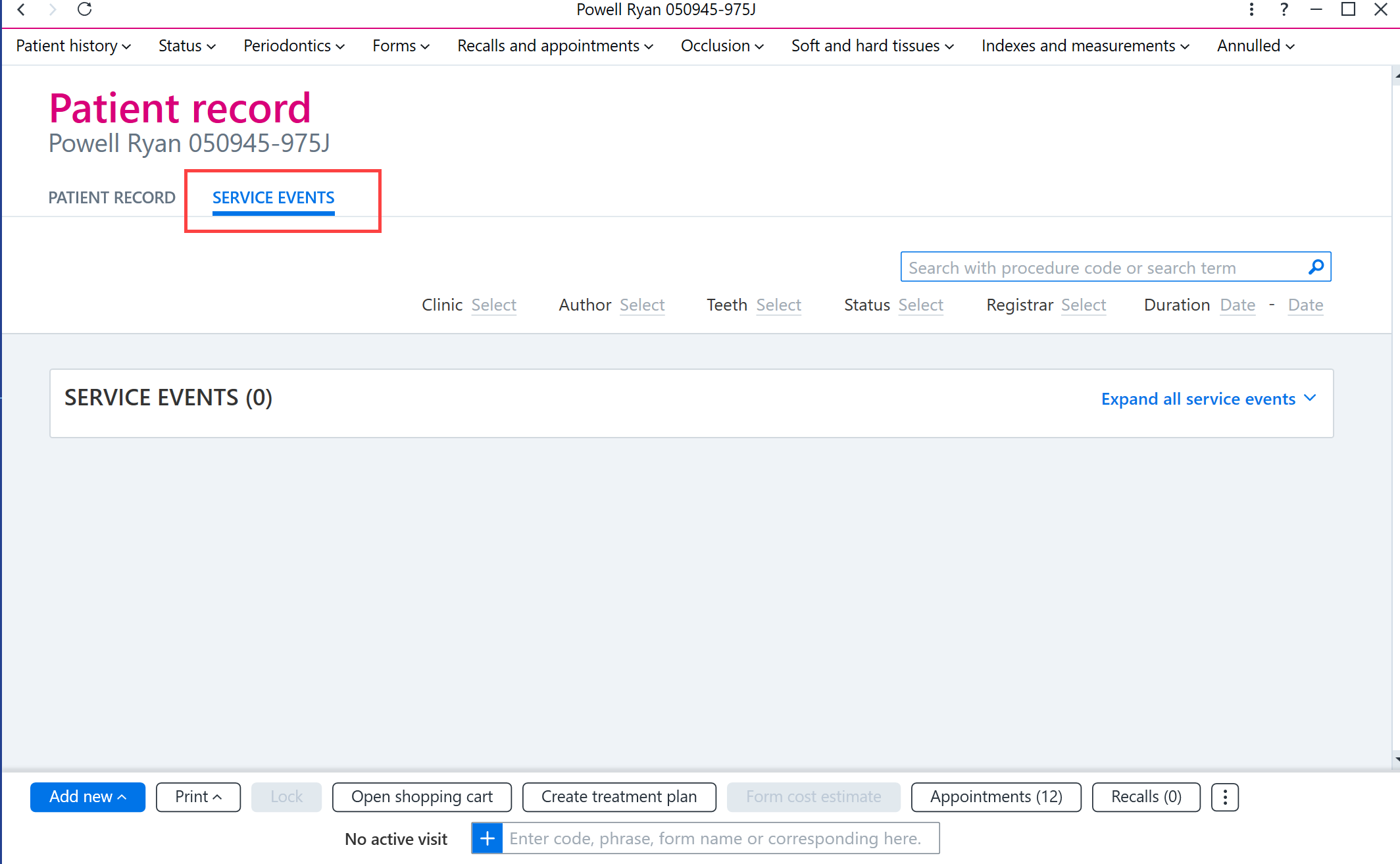
To view service events, click the Service events tab.
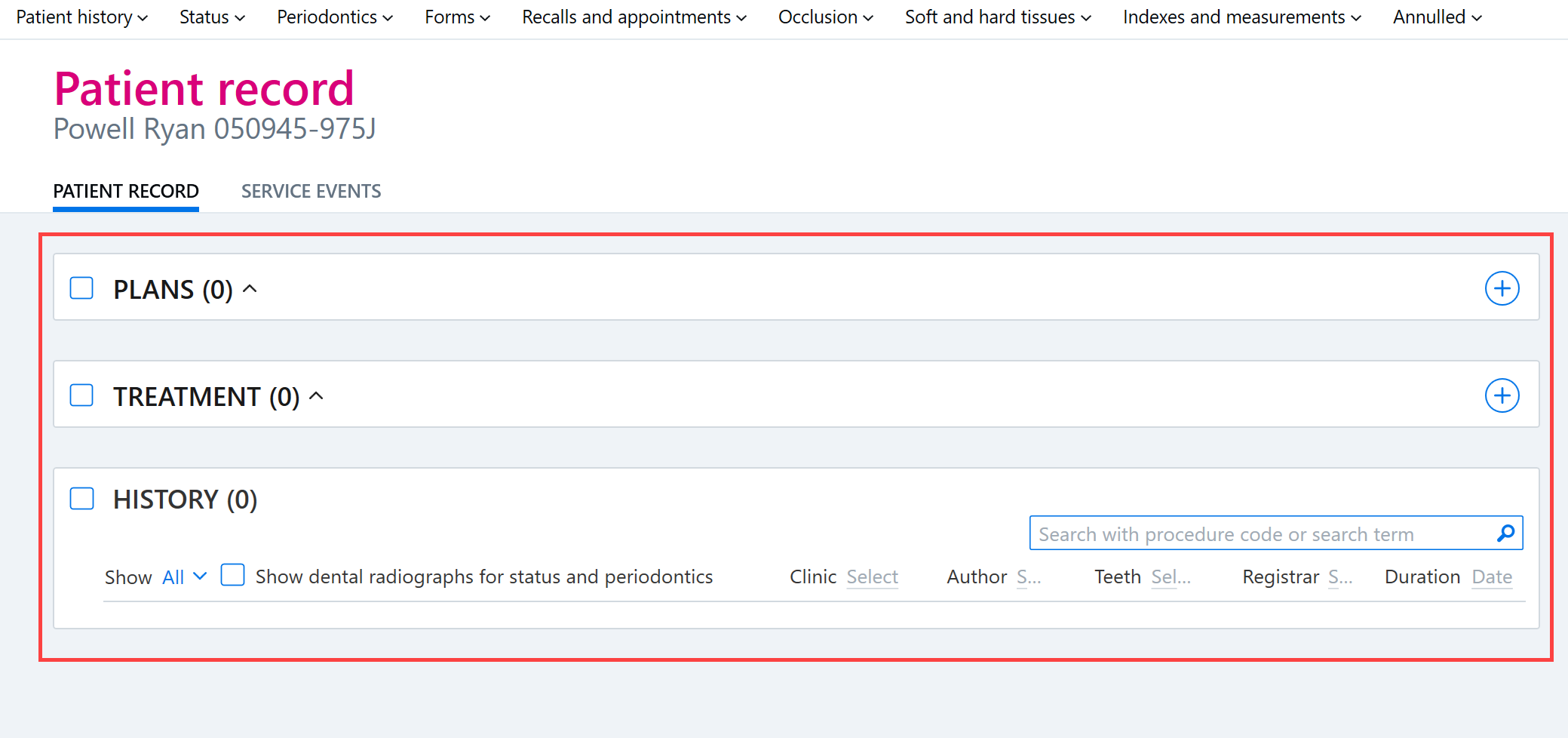
The documents in the patient record are divided under three headings: Plans, Treatment and History.
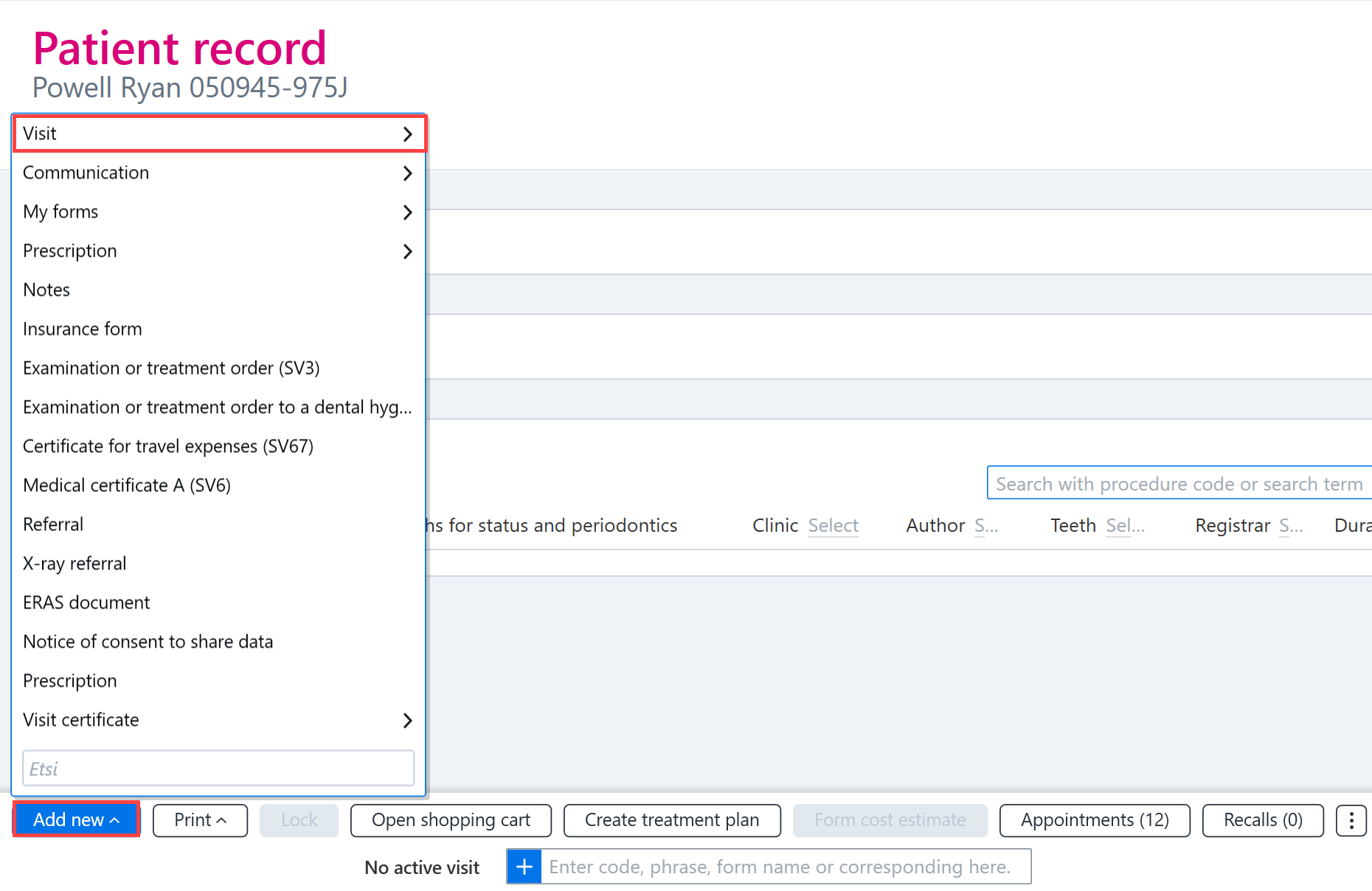
You can add new documents to the patient record by clicking the Add new button. The button can be used to add a new Visit, for example.
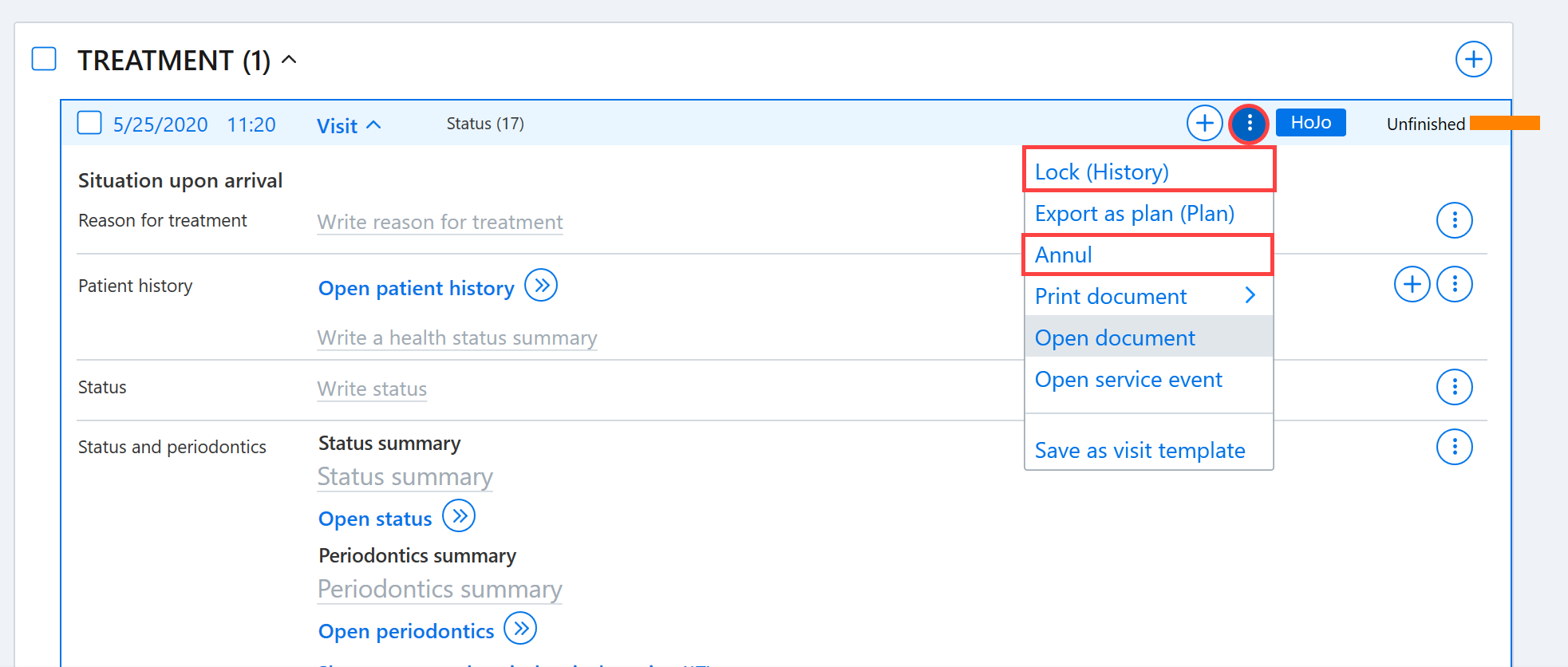
The forms in the patient record can be opened by clicking on the name of the form. To open the visit card, select Additional functions button from the visit row and select Open document.
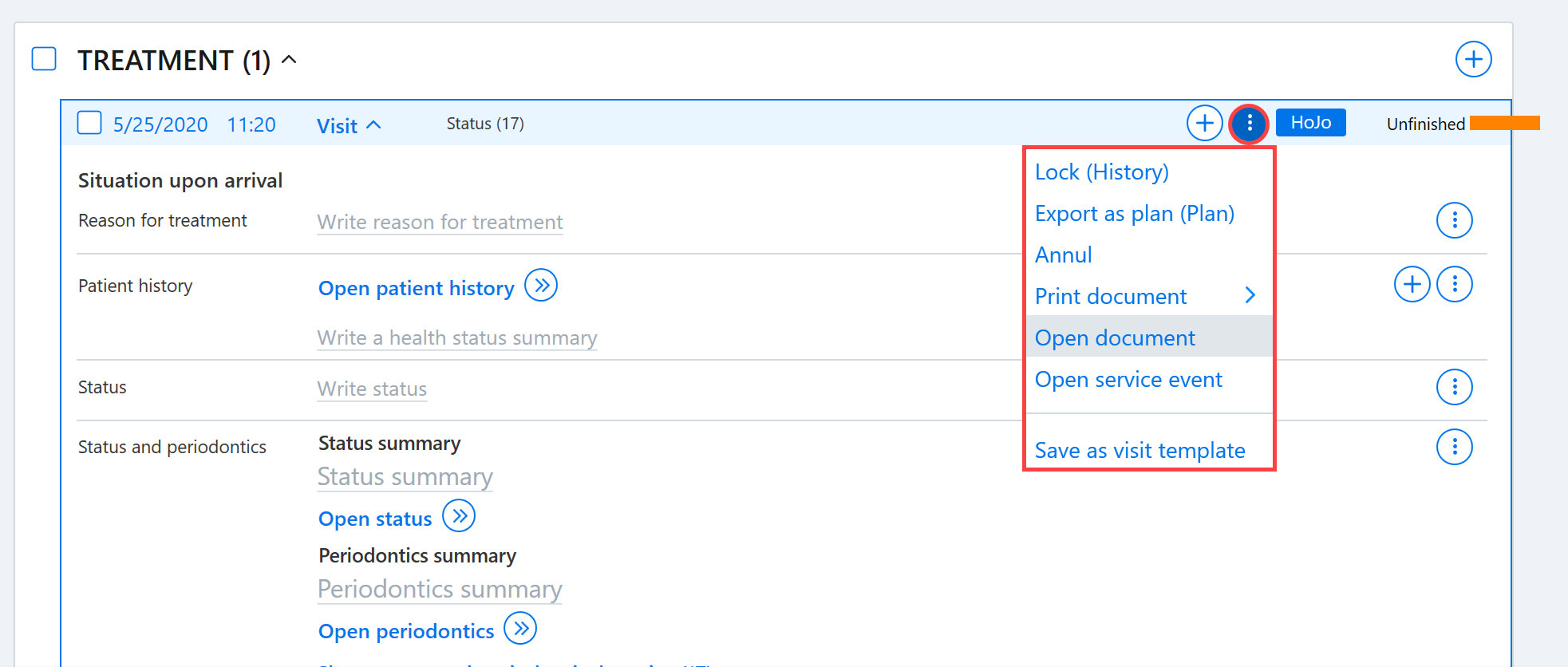
The Additional functions button on the right side of the document can also be used to lock or annul the document.