You can copy working hours and paste them into upcoming weeks.
Access the Working hours calendar, for example, by selecting Today → Calendar → Working hours.

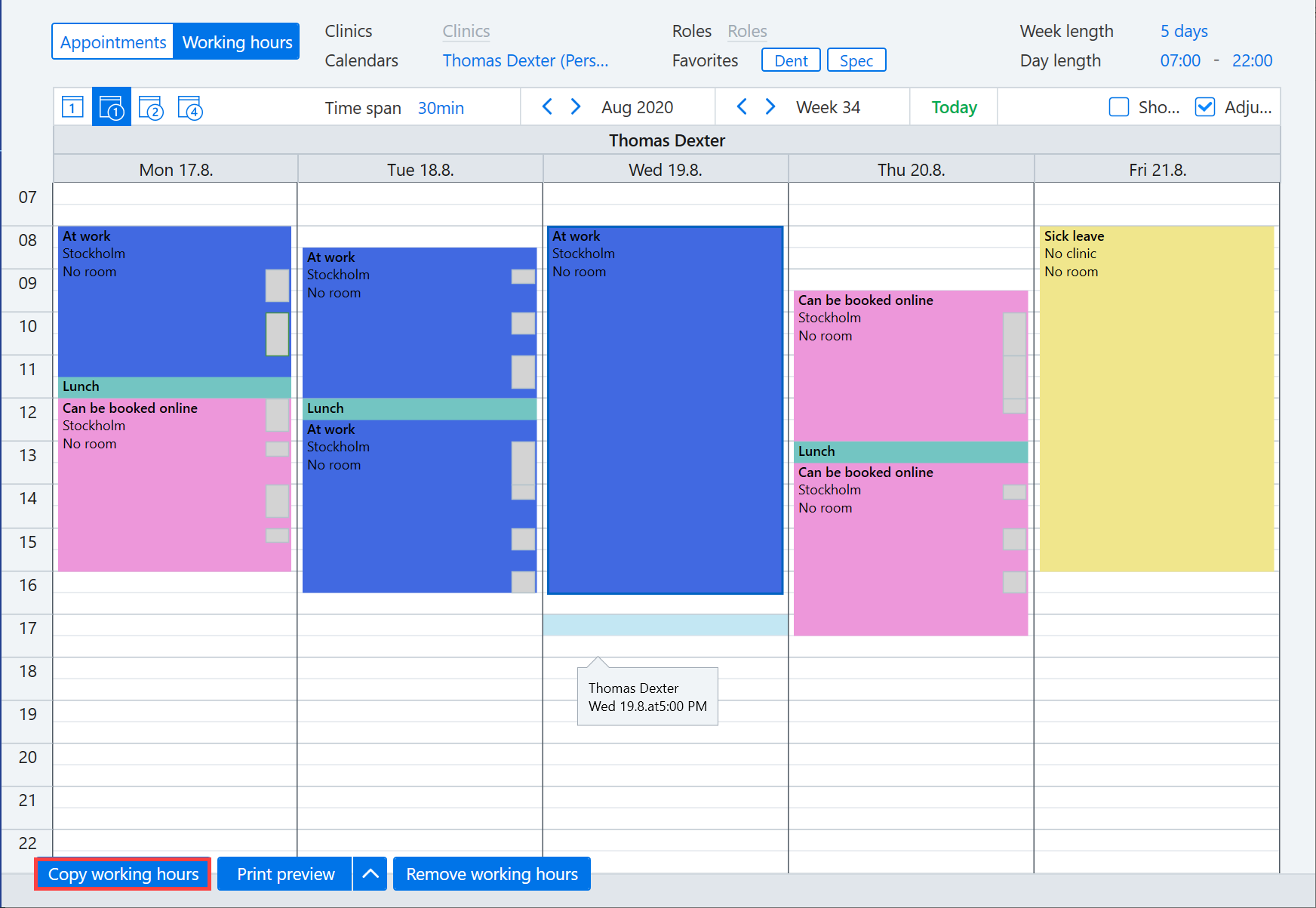
Display the necessary working hours. You can copy the desired working hours by selecting Copy working hours in the bottom left corner.
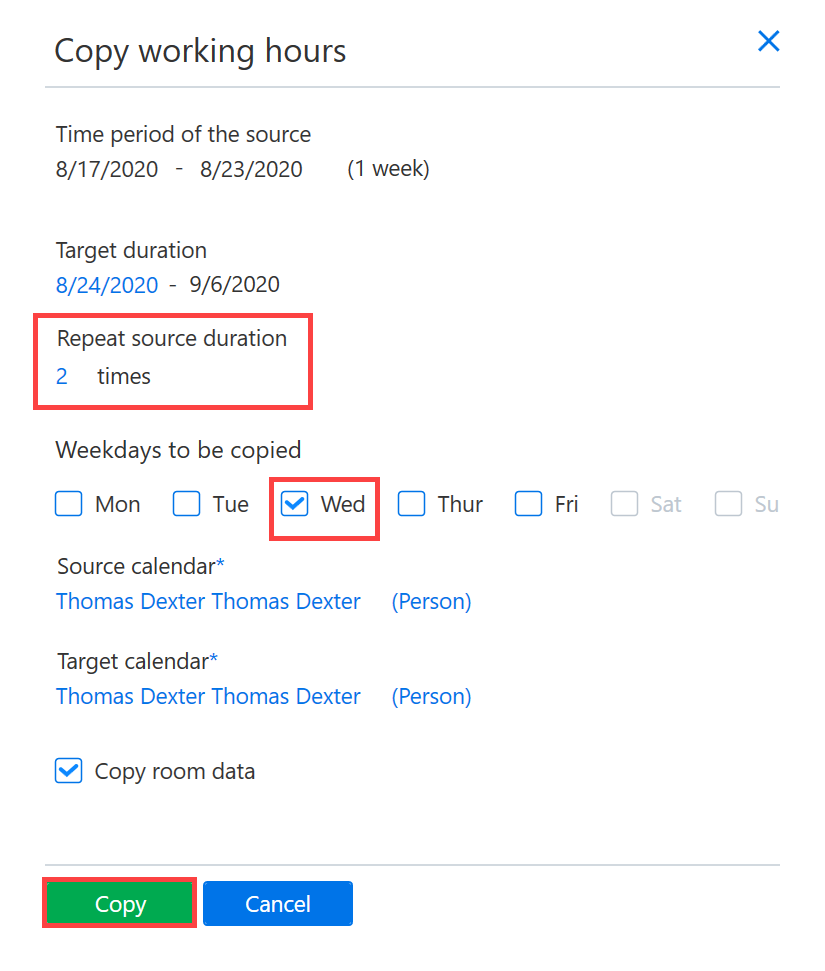
The Copy working hours dialog opens, containing several copying options. Enter the number of copies in the Repeat source duration field. In the screenshot, the working hours of Wednesday is copied to the upcoming two Wednesdays. Once you have selected the necessary settings, click Copy.
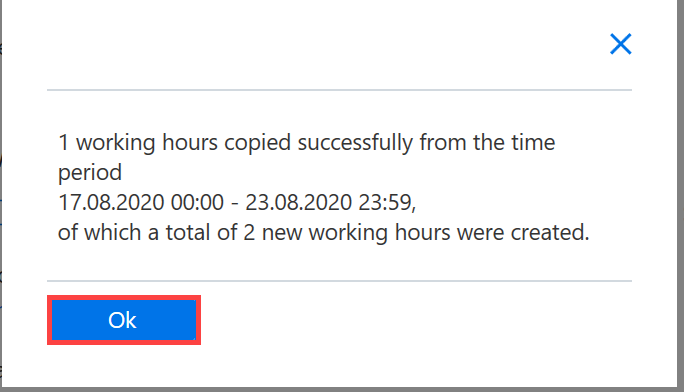
The software displays a dialog if copying the working hours was successful or failed.
After copying the working hours, if necessary, delete any working hours that were copied on holidays.