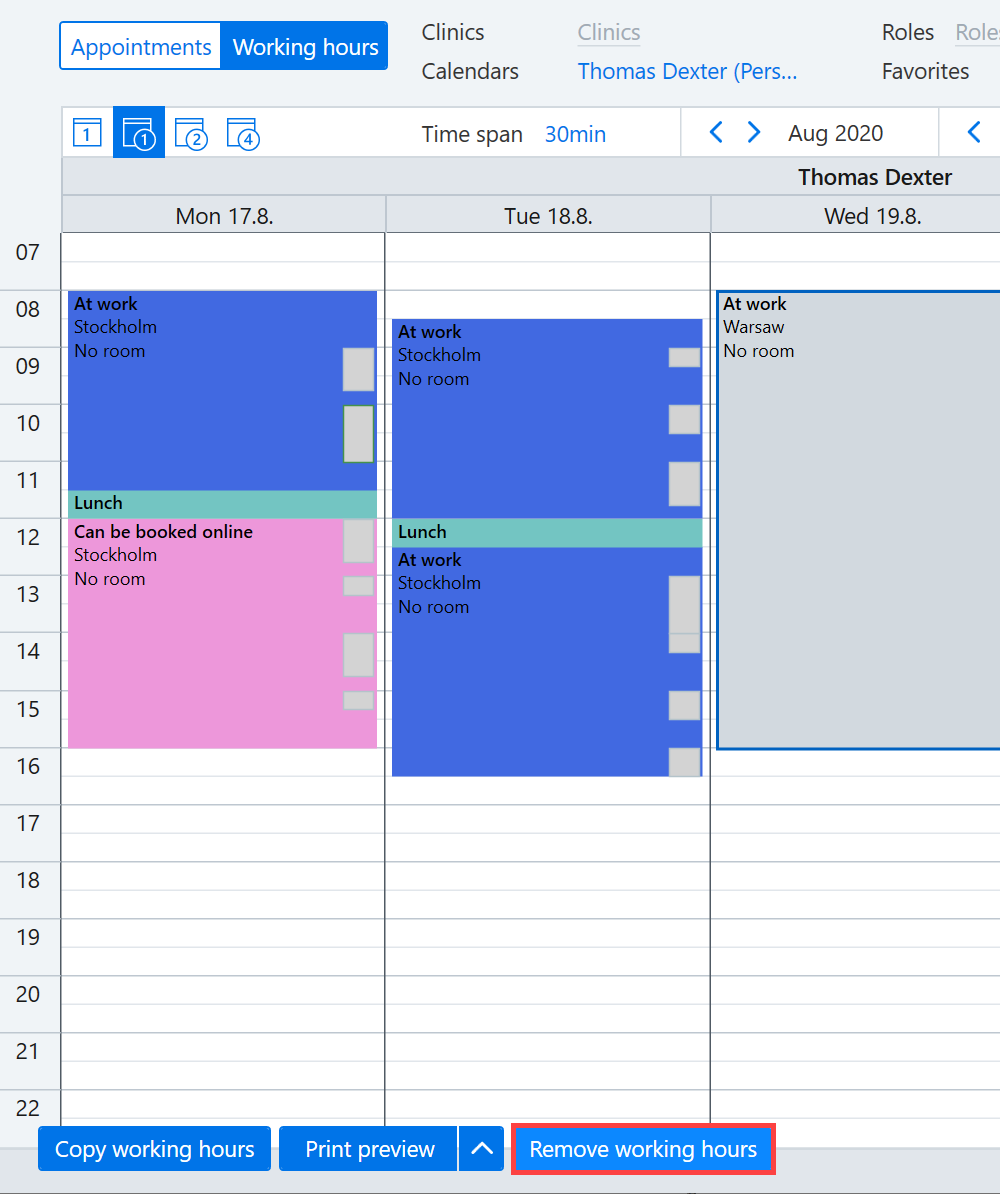
Access the Working hours calendar, for example, by selecting Today → Calendar → Working hours.

Left-click the necessary working hours and press the Del (Delete) key.
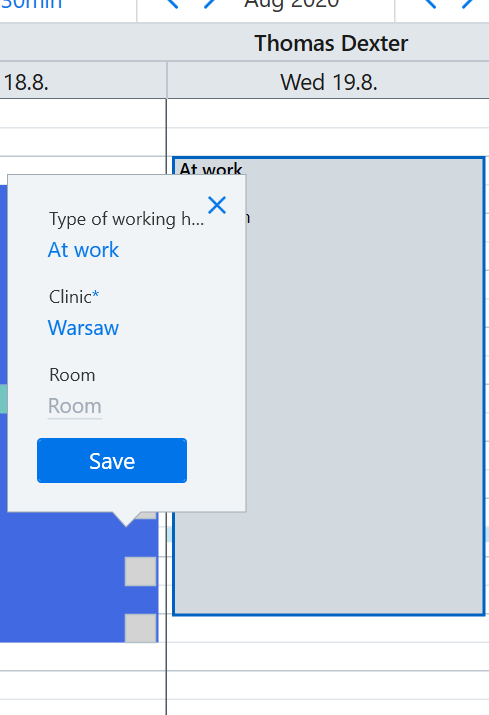
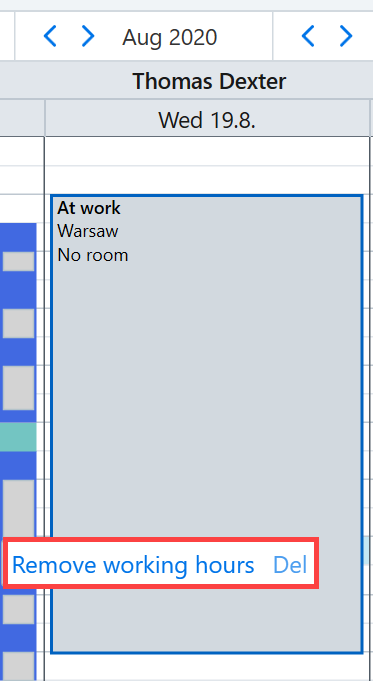
You can also delete the working hours by right-clicking the working hours and selecting Remove working hours.
Deleting several working hours entries
Select Remove working hours on the bottom left corner.
Select the necessary time range and weekdays. Please note: If you do not enter the last date, the working hours will be deleted for all upcoming weekdays.
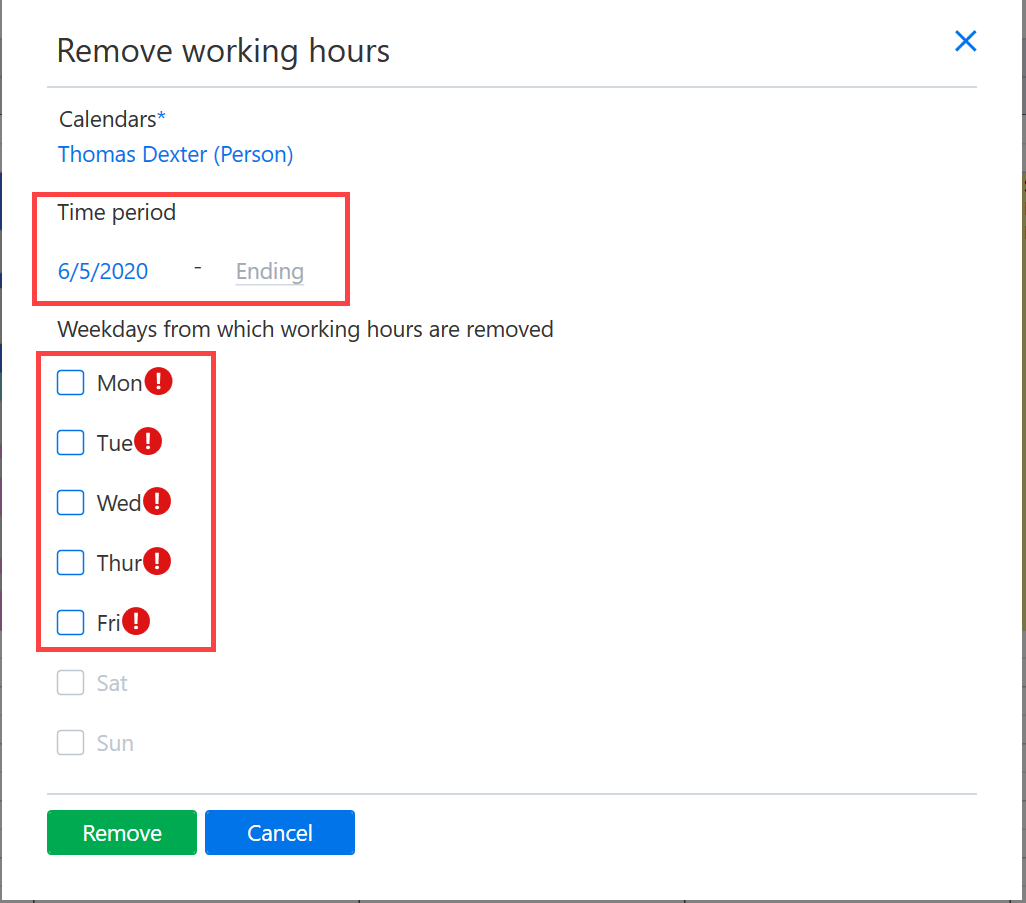
Once you have selected the necessary settings, click Remove.
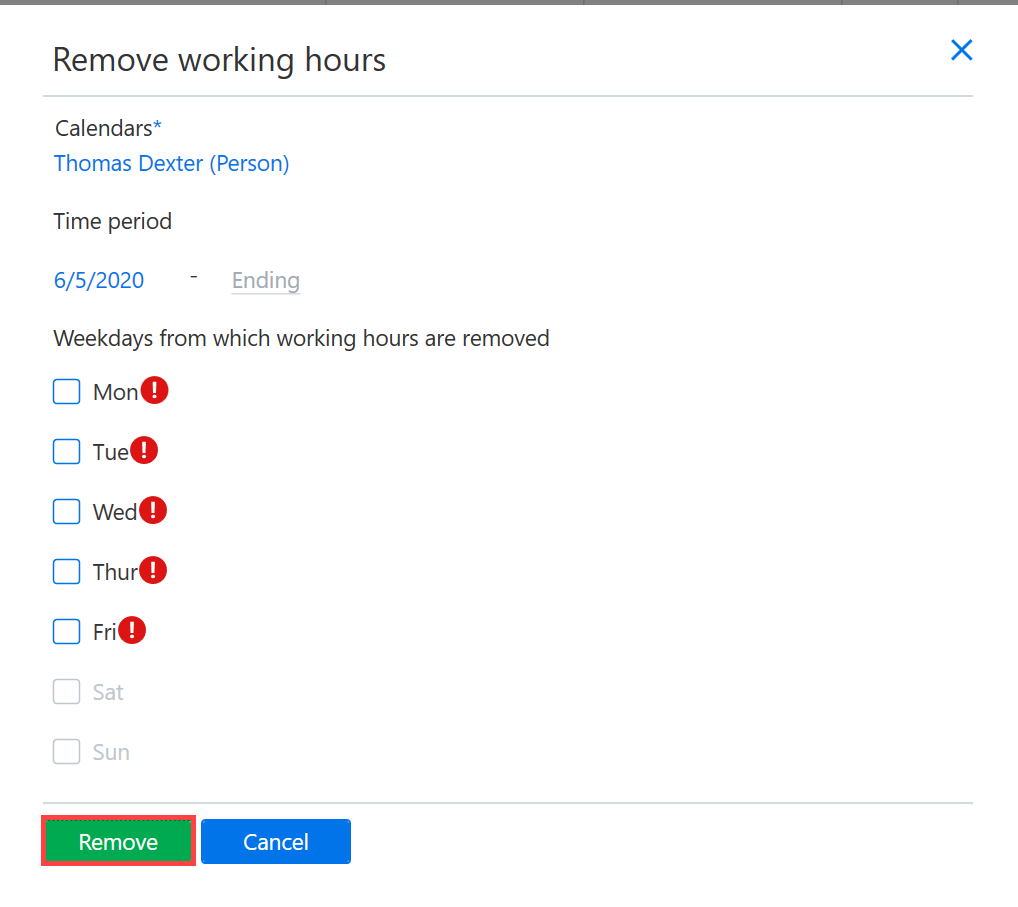
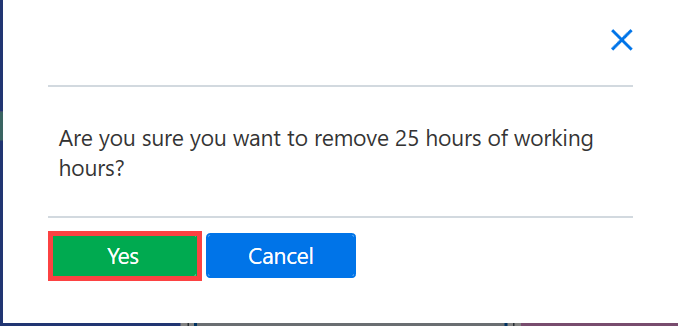
Acknowledge the removal by clicking Yes.