You can access the Appointments and Working hours calendar via the control panel:
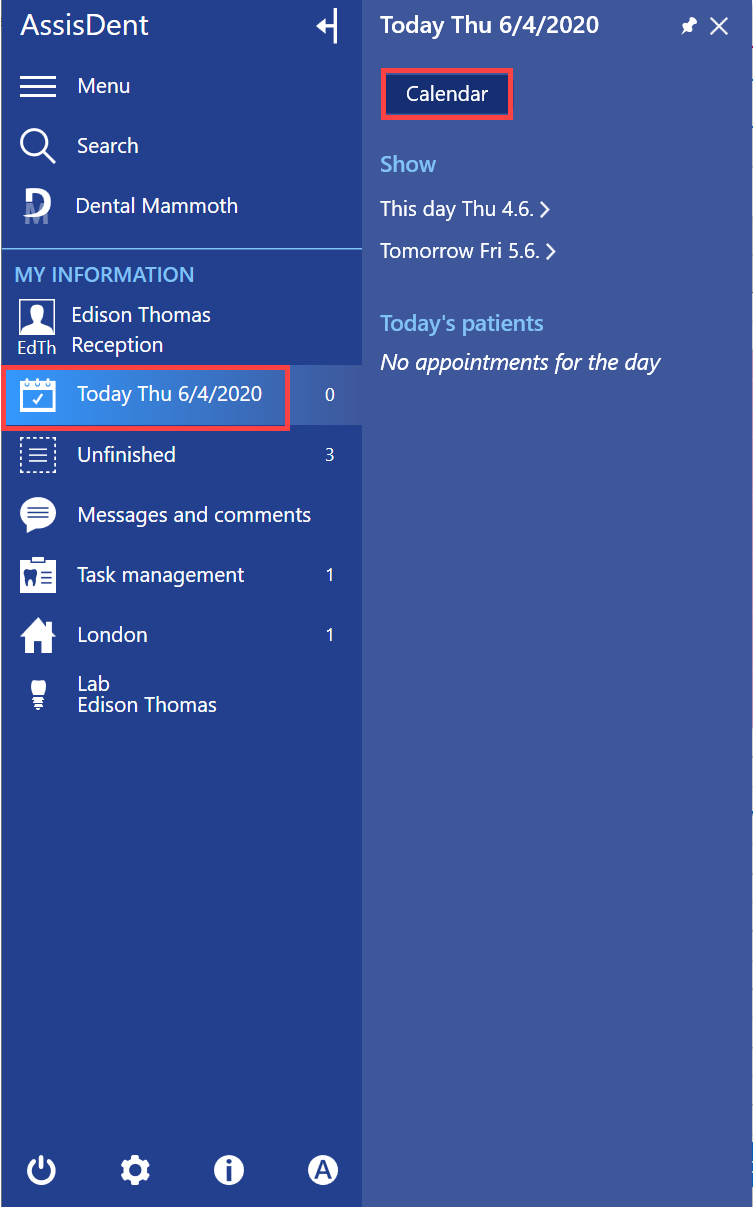
Method 1. Select Today → Calendar with the left mouse button
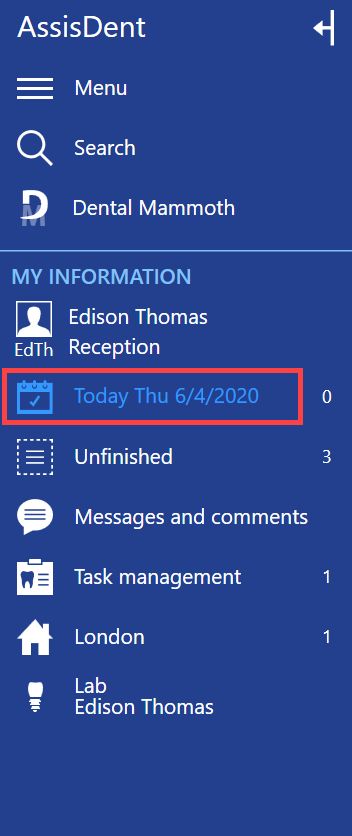
Method 2. Click Today with the right mouse button.
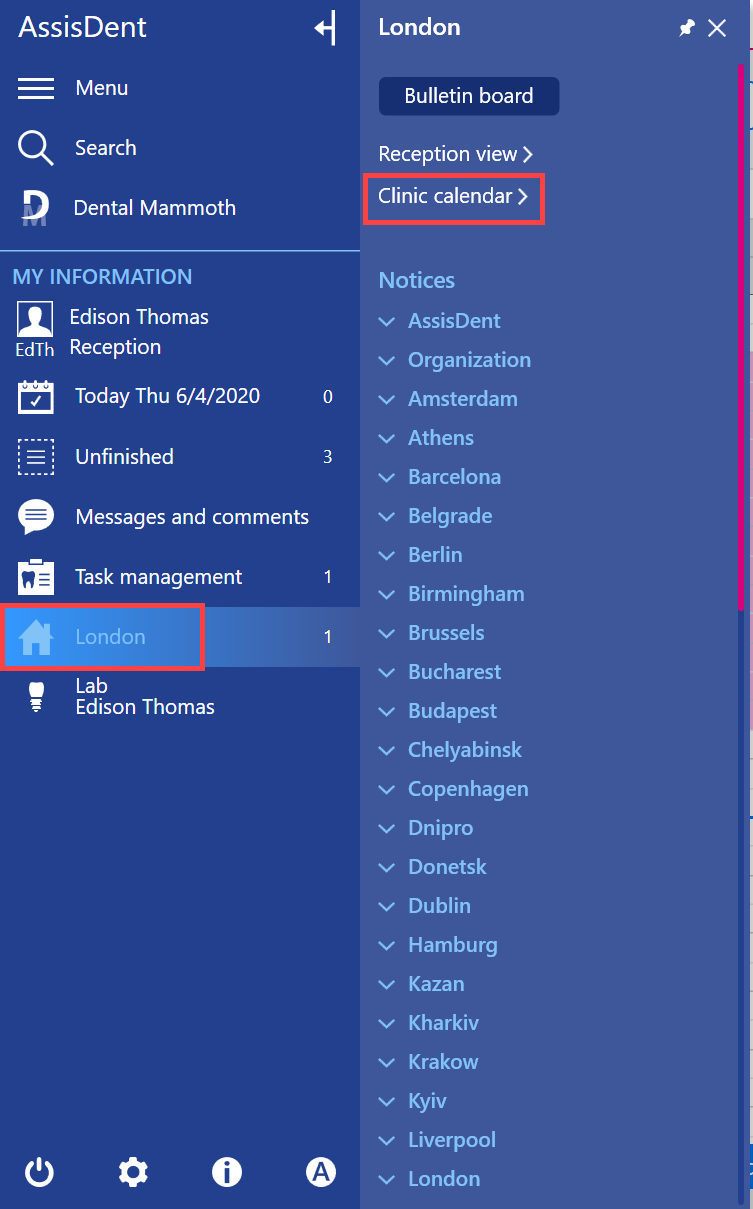
Method 3. Open the clinic calendar by selecting Home icon → Clinic calendar.
Once you are in the calendar view, select Working hours.
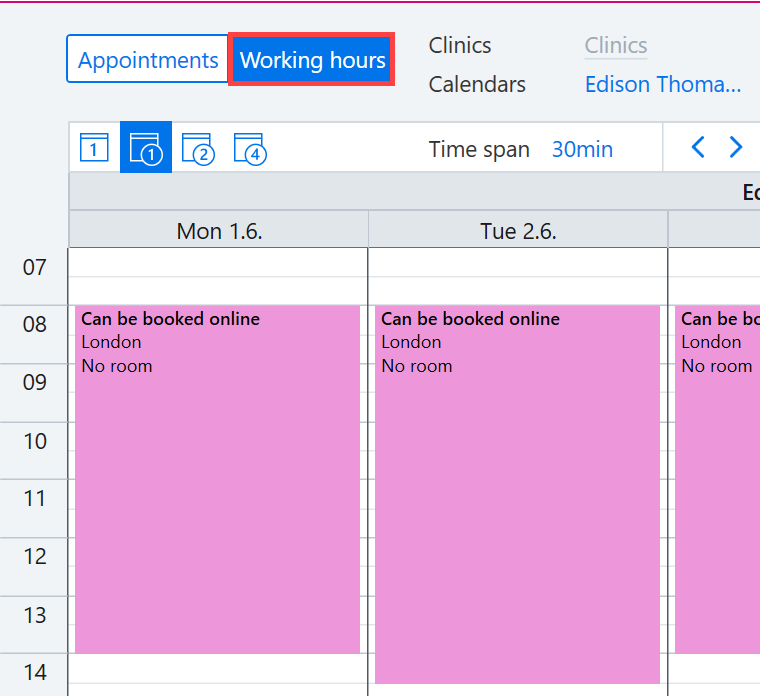
In this view you can create working hours for an employee.