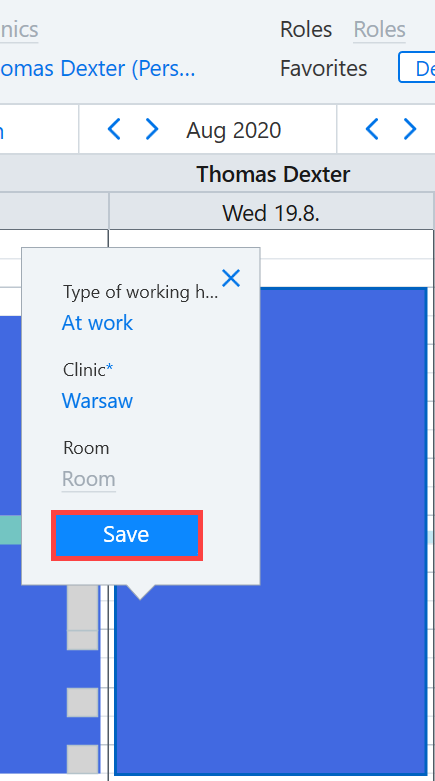
This section contains instructions on how to:
- Move
- Adjust length
- Change type, clinic and room of working hours.
Access the Working hours calendar, for example, by selecting Today → Calendar → Working hours.
 .
.
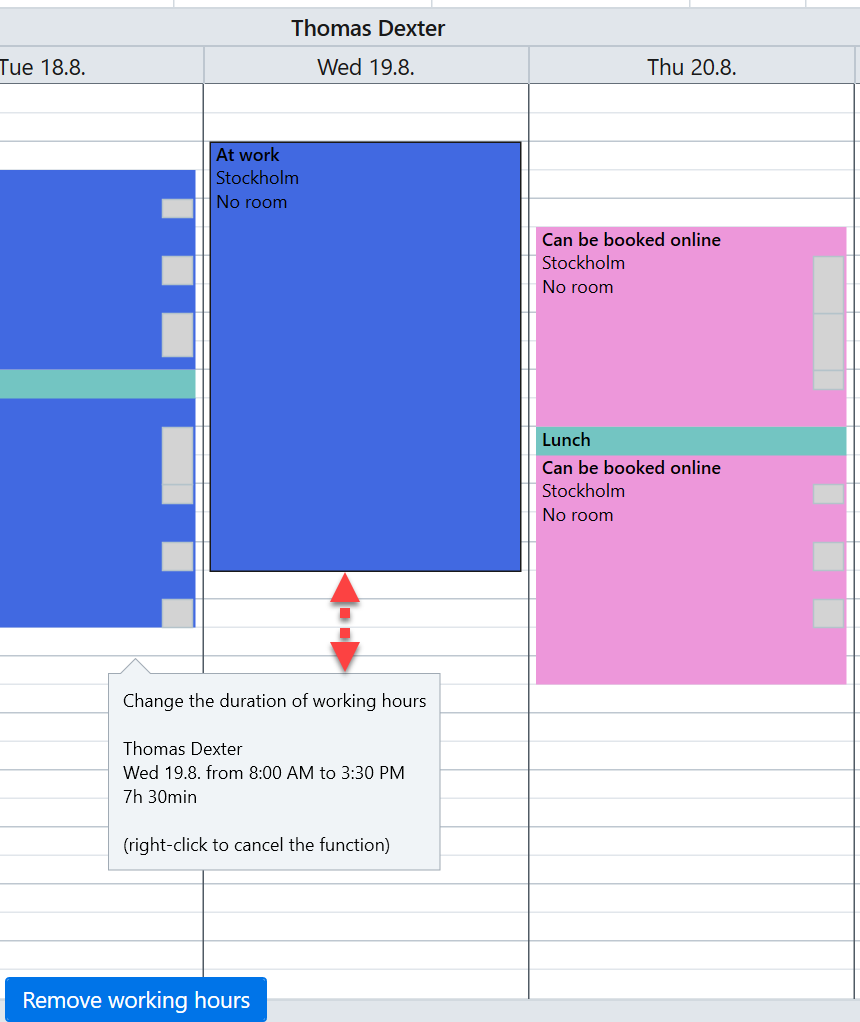
Select the necessary working hours from the calendar. Adjust the length of the working hours by left-clicking and dragging the top or bottom edge of the working hours. A dialog displays the changed information.
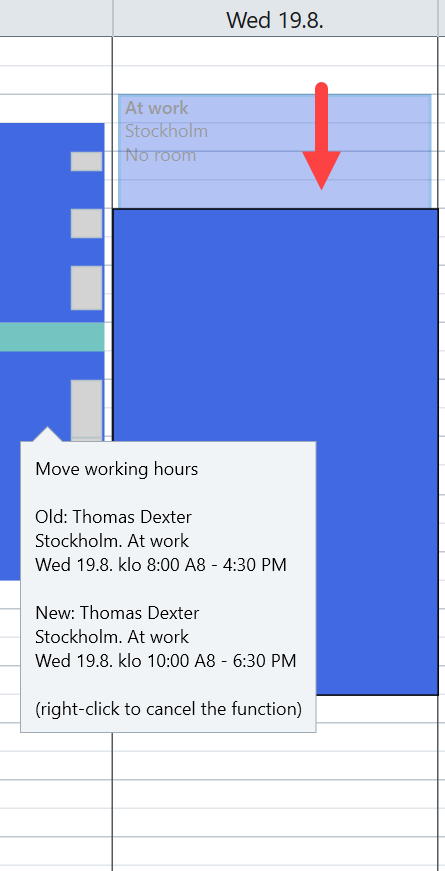
You can move the working hours by left-clicking and dragging.
The type, clinic and room of the working hours can be changed by clicking the working hours and making the necessary selection.
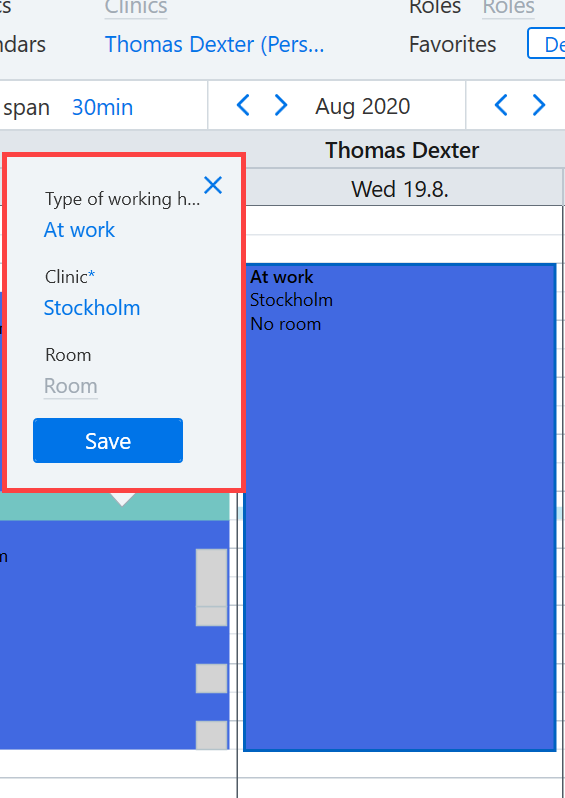
Click Save to finish.