Recalls can be edited from the recall register.
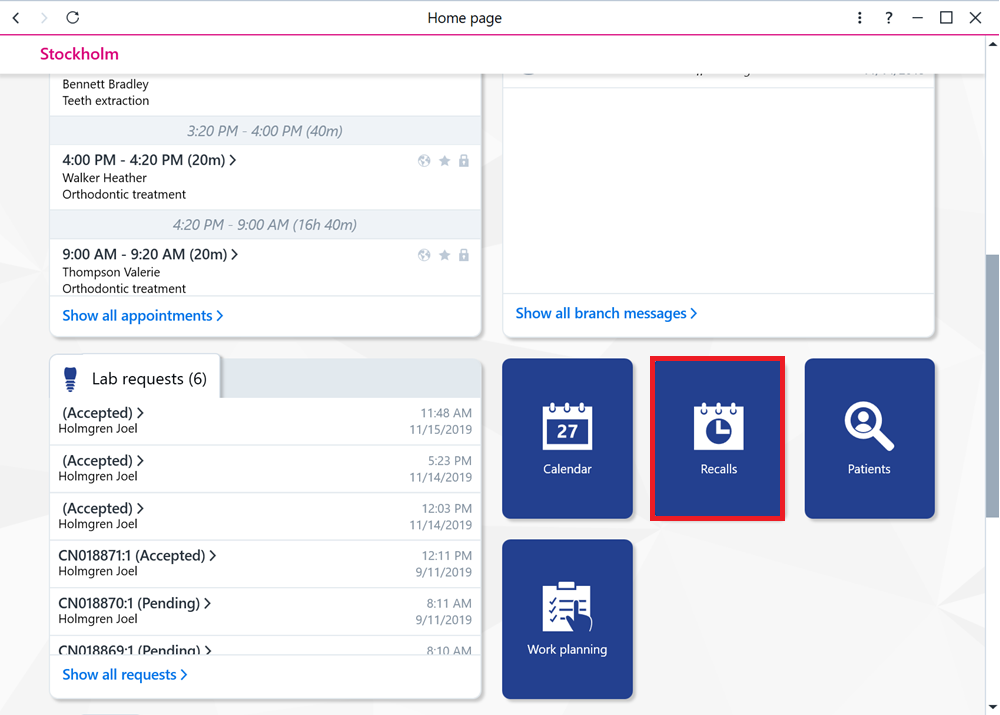
You can access the recall register by selecting Recalls on the home page.
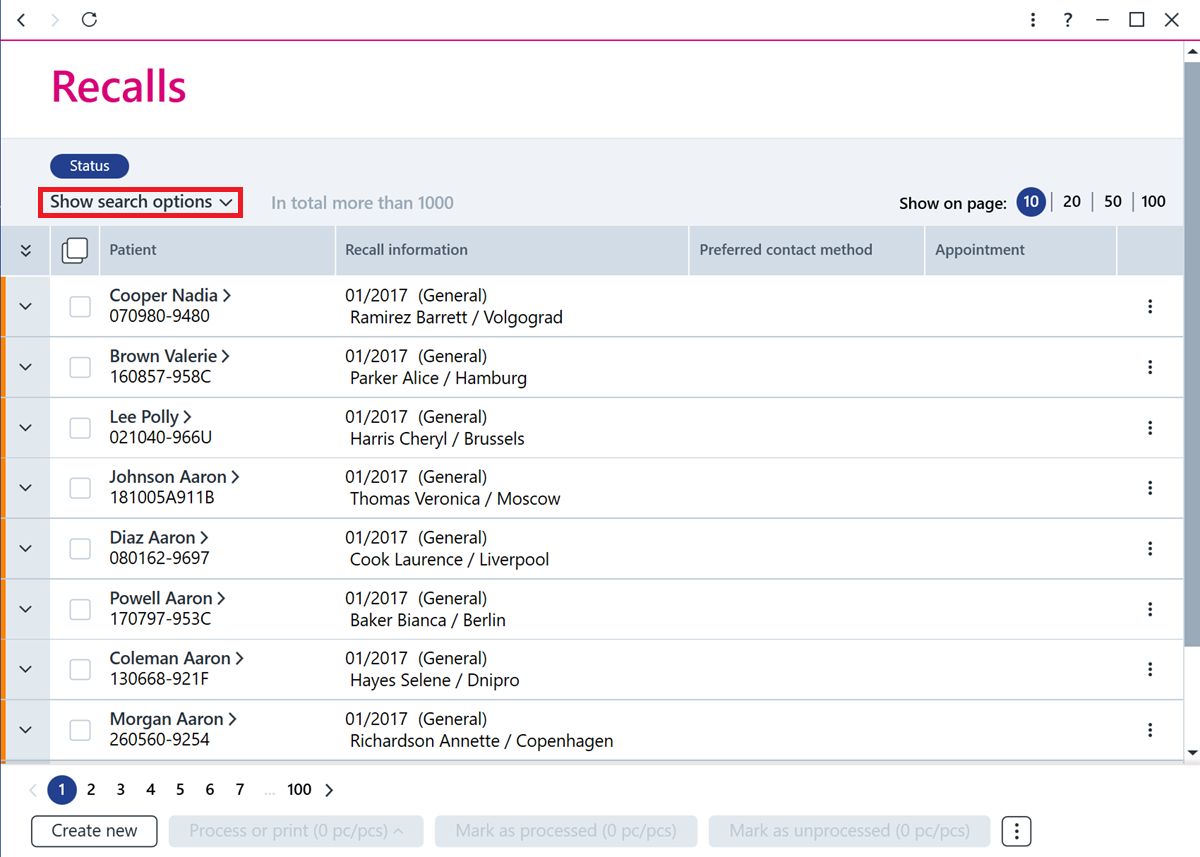
You can then find the recall you want to edit by using search criteria.
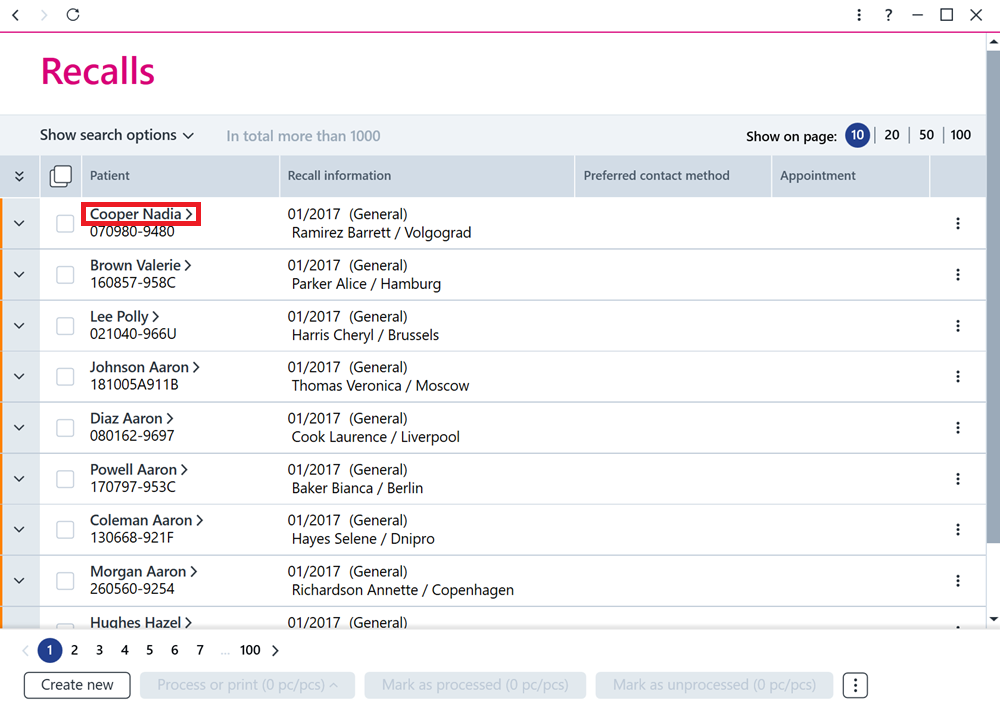
Click on the name of the patient in the recall row.
You can change, for example, the clinician, the clinic, the time, the recall class and the contact method. Change the information on the card and, to finish, save the recall by clicking Save Changes at the bottom.
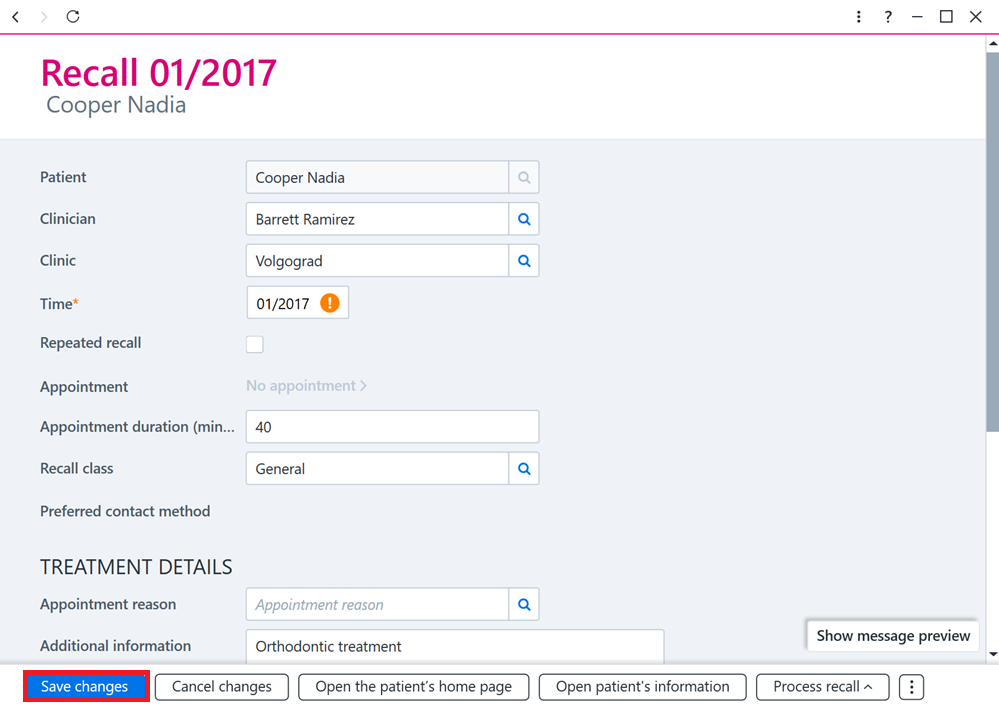
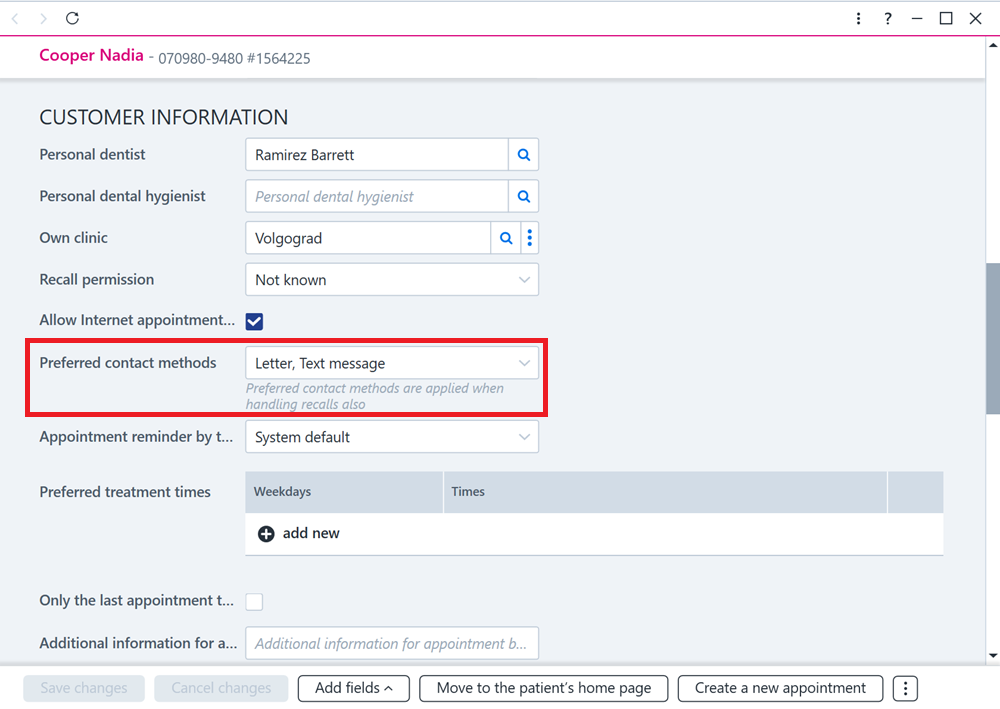
Note! The recall method, meaning whether the recall is sent to the patient by text message, phone call or letter, depends on what is selected in the Preferred contact method field in the patient’s information.
Note! Email recalls cannot be sent from AssisDent even though email can be marked as the recall method.